Topo Maps+ app iconTopo Maps+

Guides · Backpacking with Matt Kessler

Plan it. Navigate it. Master the app.

A three-video series with wilderness guide Matt Kessler — trip planning, map-and-compass navigation, and the features inside Topo Maps+ you’ll actually reach for on the trail.

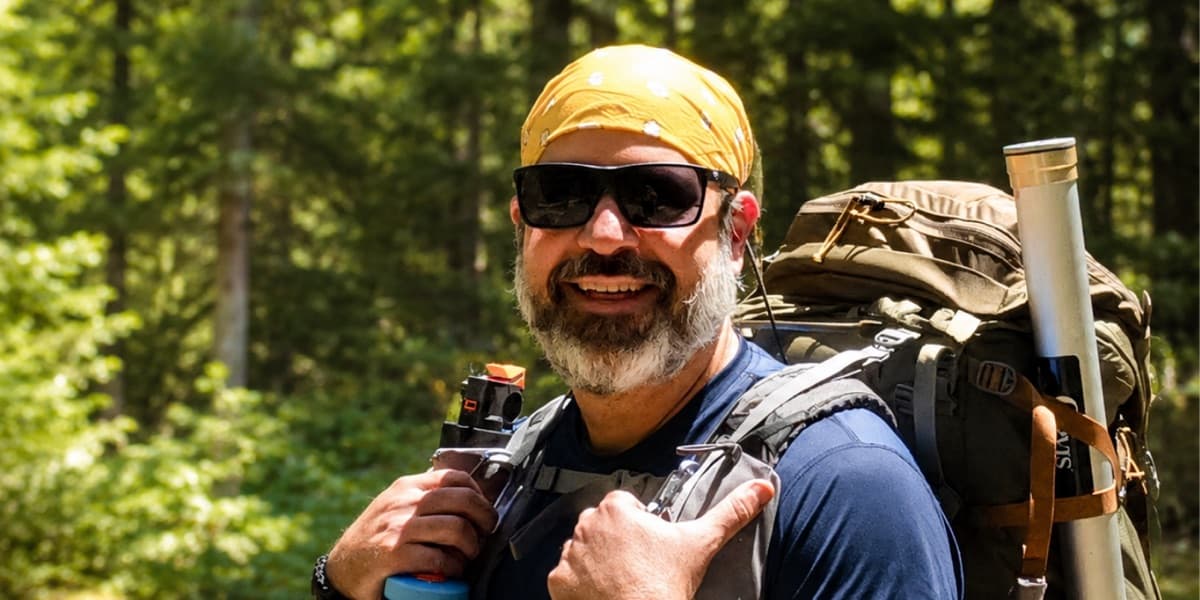
PHOTO: Matt Kessler or one of his trip groups in the backcountry

An honest origin story

It started with a review we didn’t ask for and didn’t pay for.

Matt Kessler is a wilderness adventure guide who leads remote backpacking, hunting, and canoeing trips across the US. A few years ago — after using Topo Maps+ on a seven-day mountain trip — he made an unsolicited review video on his YouTube channel. We didn’t ask him to. We didn’t pay him to. He just made it, and it was generous, detailed, and one of the kindest things anyone has said about the app in public.

After we watched it, we reached out and asked if he’d be willing to make a three-video series teaching people how to actually use Topo Maps+. He said yes. We paid him to make those, and we’re glad we did. The three sponsored videos are below. Matt’s original review — still up on his channel, exactly as he made it — is here:

And the rest of his channel is here: youtube.com/@MattKessler — worth a follow if you spend any real time outdoors.

The series

Three videos. The full backpacking workflow.

Watch them in order. They build on each other — planning, then navigation, then the app itself.

Video 1 of 3

Plan a backpacking trip with confidence

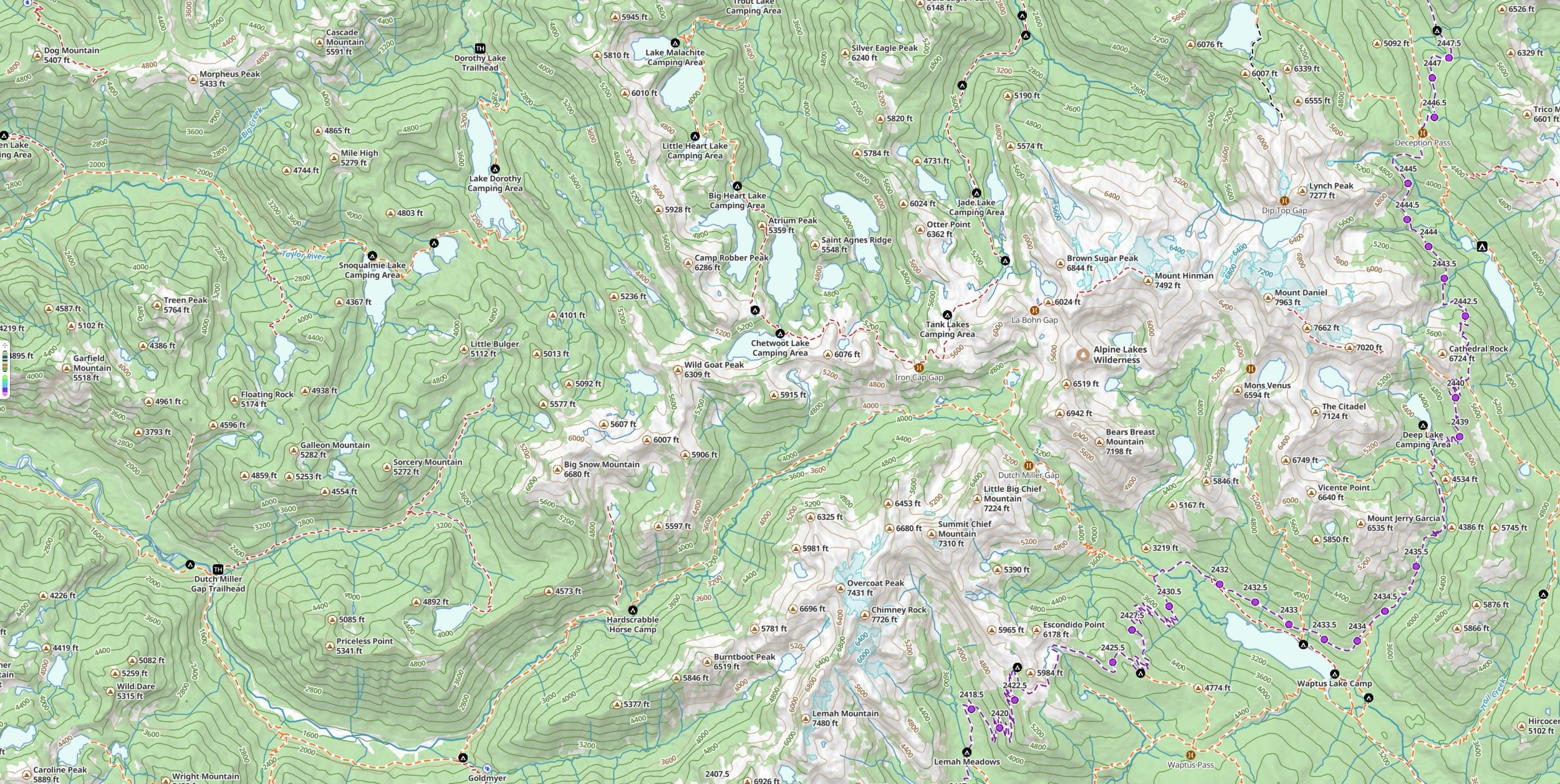
Matt walks through the three movements of great trip planning: pre-plan the route, pre-navigate it (mental rehearsal — the same technique high-level athletes use), and pre-communicate it to your participants and the people at home. Inside Topo Maps+, you’ll see him build a multi-day route, set alternate “bad weather” campsites, read the elevation profile and 3D terrain preview, and share a route as an interactive web link or a printable PDF.

Best for: anyone planning a multi-day trip, especially their first one — or anyone leading a group who needs to give worried families a clear picture of where you’re going.
Video 2 of 3

Map, compass, and Topo Maps+

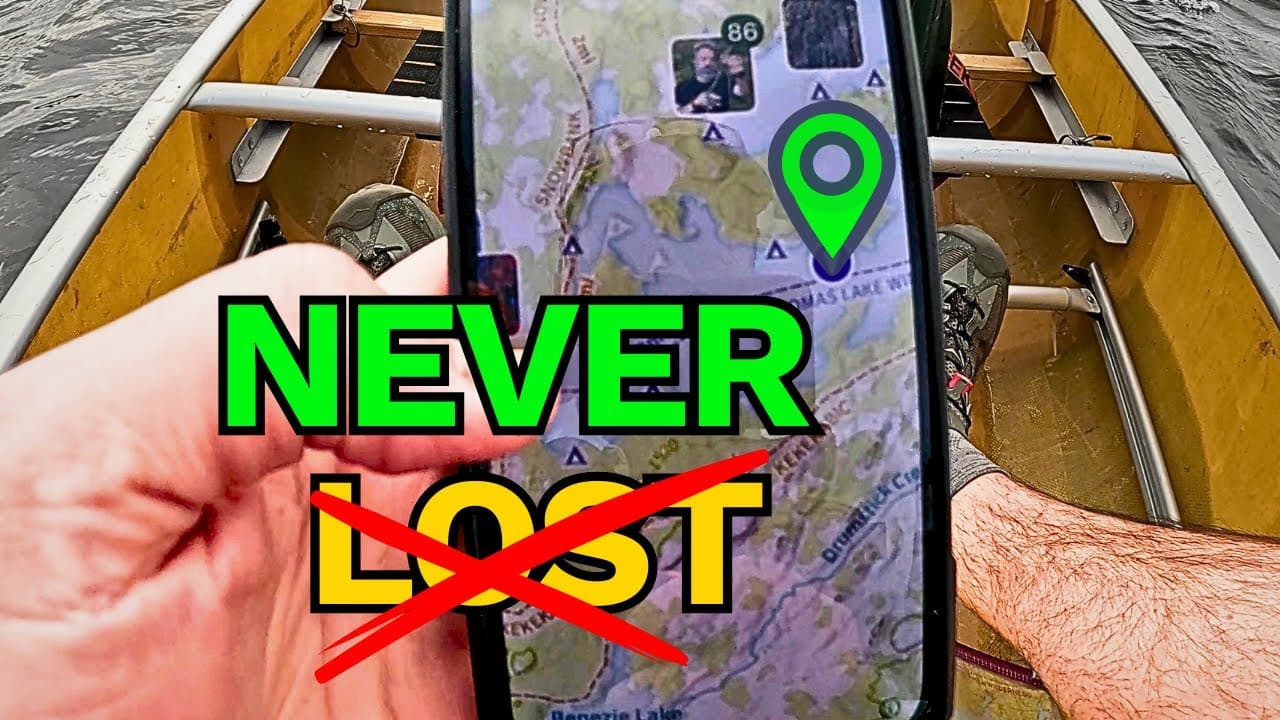
Matt opens with a real story: a 7-day trip, a sudden storm, and getting genuinely disoriented three days from the trailhead. The video that follows is a working tutorial on how to combine a printed map, a baseplate compass, and Topo Maps+ into one navigation system — including the parts of a compass, what magnetic declination is and how to set it correctly, and the “Red Fred in the shed” memory aid he uses with his groups.

Best for: anyone who’s relied entirely on a phone in the backcountry and wants a backup that doesn’t fail when the battery does.

Video 3 of 3

The Topo Maps+ features you’ll actually use

A practical walk-through of the app, in the order you’ll actually use the features. Matt covers the main menu, downloading offline maps for a trip, customizing the data and overlays you want visible (and hiding the rest), photo layering for marking spots you’ll want to find again, 3D terrain preview, building a multi-day route with Snap to Trails, dropping and styling waypoints, the on-trail tools (Guide Me, Measure, live tracking), and printing or sharing daily maps with the people you’re hiking with.

Best for: anyone who’s downloaded the app and isn’t sure where to start.

Try it yourself

Watch the series. Try the app. Plan your next trip.

Free to try in your browser. The 7-day free trial unlocks every feature Matt walks through in the series.

Matt Kessler’s original review video (linked above) was made independently and was not paid or sponsored. The three tutorial videos in this series were produced in paid partnership with Matt. We don’t direct his content — he teaches the way he teaches.