
What it does
Plan. Navigate. Share.
From planning to the printout in your pocket.
Plan
Find it. Build it. See it before you go.
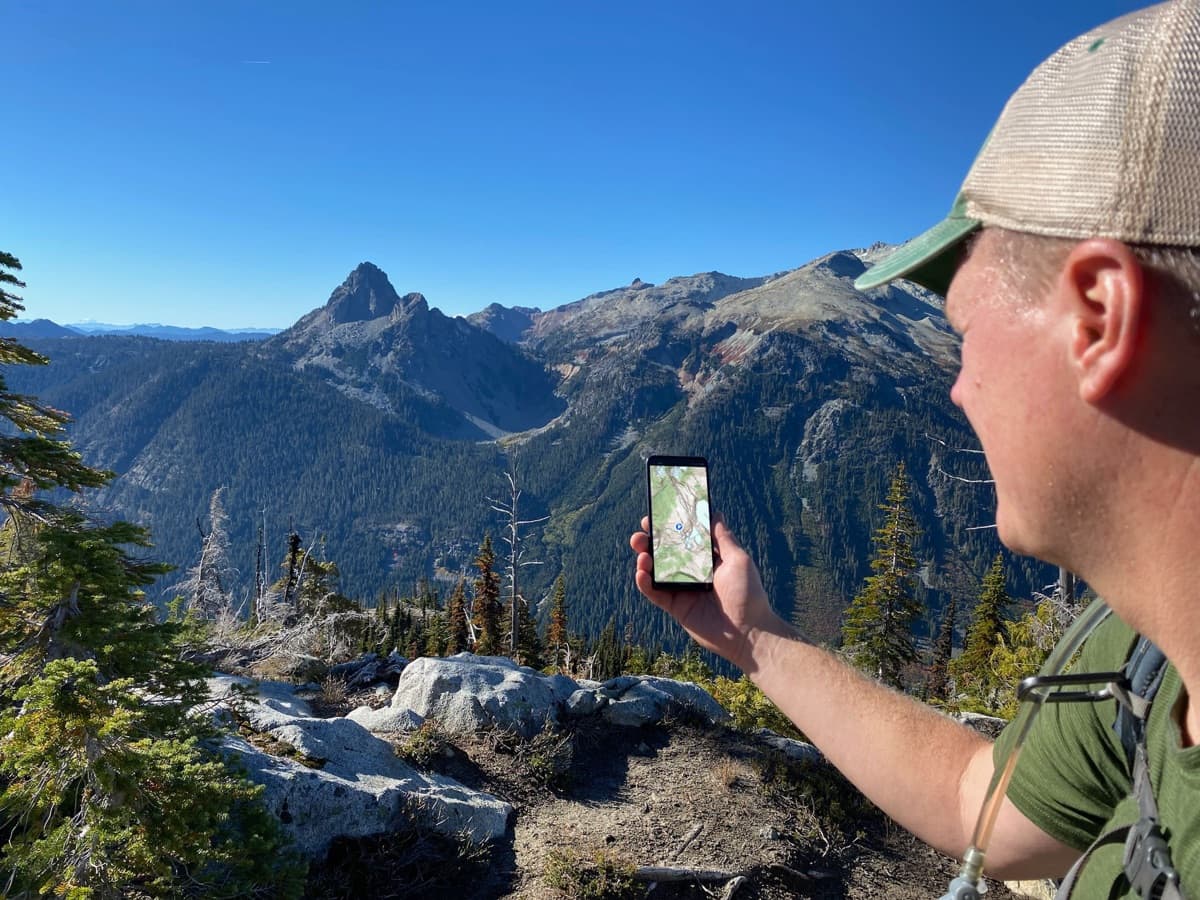
Most of the work happens before you leave. Find where you want to go, sketch the trip, and visualize the terrain before you set foot on it.
Search
Find any trail, peak, lake, town, or coordinate in seconds.
Tap & Hold
Long-press anywhere on the map to drop a waypoint, check elevation, get coordinates, or measure a distance to that point.
Route planning
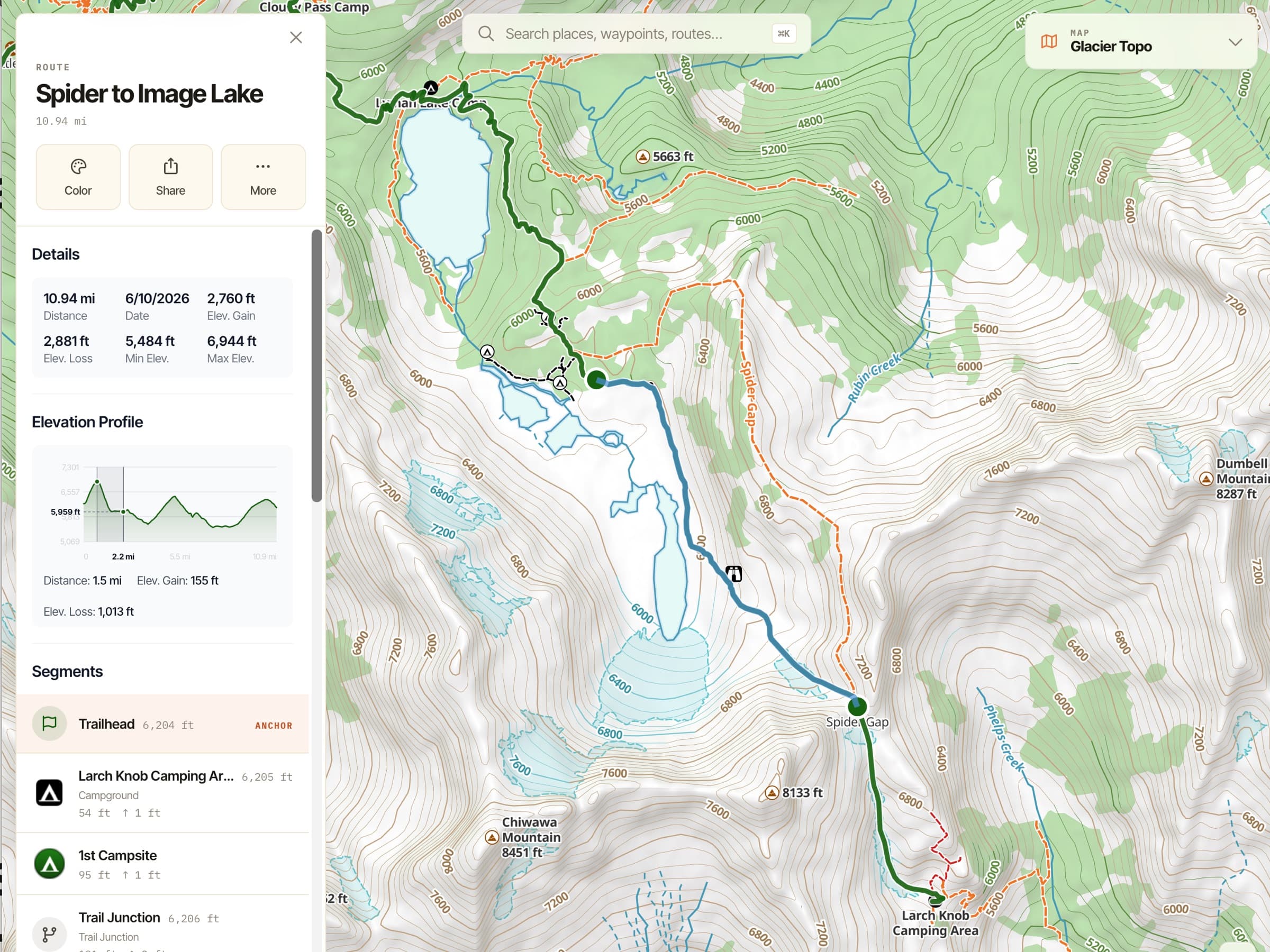
Trace a route freehand on any map, or let Snap to Trails follow known trails automatically. (Snap to Trails is Pro.)
Waypoints
Save locations with names, icons, photos, and notes.
Folders
Organize hundreds of waypoints, tracks, and routes by trip, area, or category.
Elevation Profile
See the climbs and descents on any route or trail before you commit.
3D Map
ProSee the terrain around any point in three dimensions — useful for visualizing a route, scoping a scramble, or scouting an area.
Not on AndroidHill Shading
ProTerrain depth that makes a topo read like a 3D model at a glance.
Download a region for offline
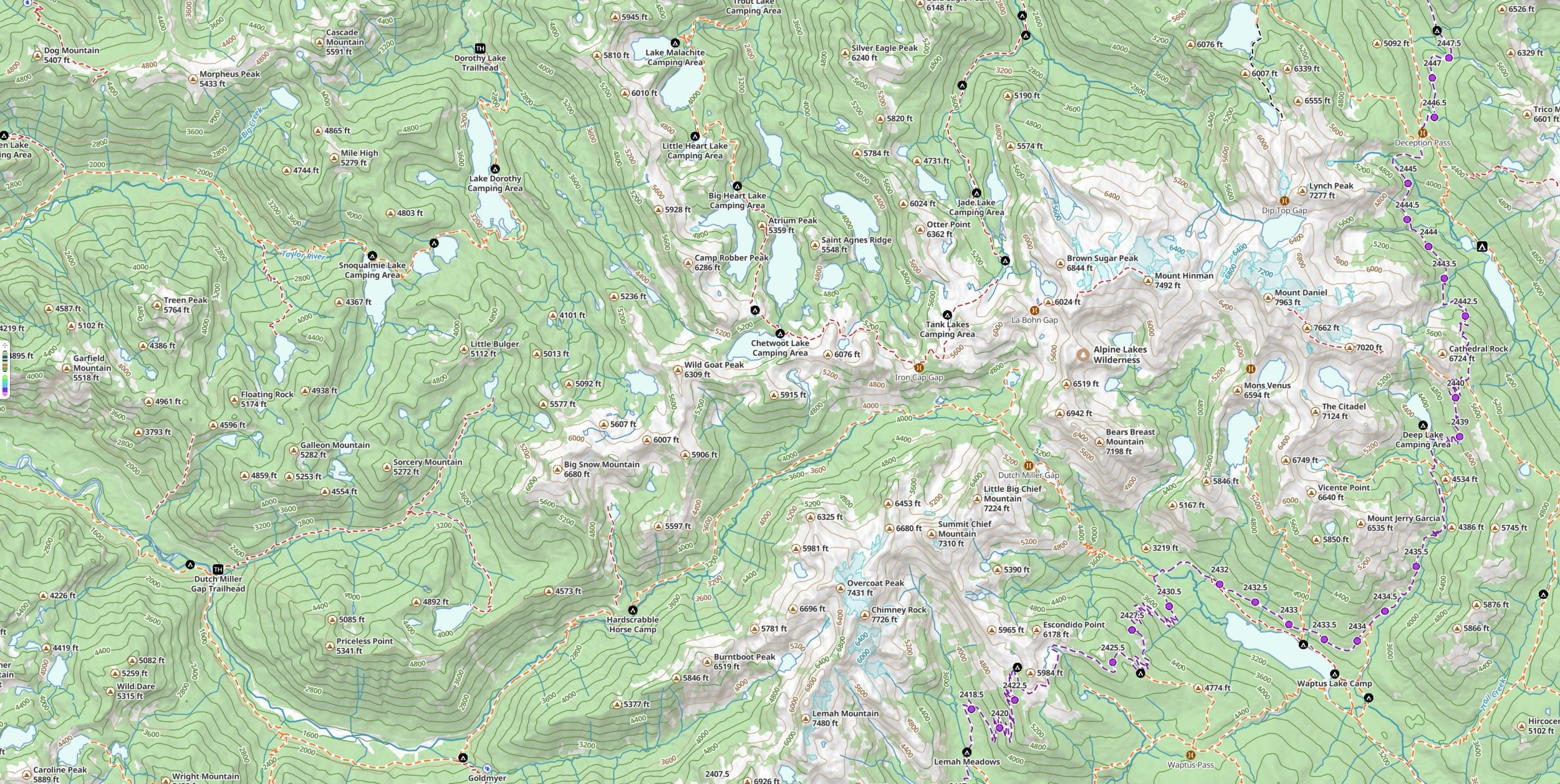
ProSave any rectangle of map — every style, every overlay — to your device so you have it before you leave.
Navigate
When you're moving. When you're off the grid.
Everything that has to keep working when nothing else does.
Offline maps
ProMaps you’ve downloaded work in airplane mode, all day, on the battery you can count on. Your maps live on your device, not in the cloud.
Tracking
Record your route as you go, with distance, elevation, time, and speed.
Photos along your tracks
ProPhotos auto-geotag to your recorded route so the trip plays back in place.
Not on the webCompass & live position
Your bearing and your exact location, always on the map.
Guide Me
Hold your phone flat and an arrow points you to any waypoint and tells you how far it is — it fills green when you’re facing the right way to walk straight to it. Built for finding the game cam, the buried cache, or any waypoint that’s hard to spot from where you stand.
Progress on Trail
ProDistance traveled and distance remaining for any trail, without recording a track. It just checks your position on the trail instead of running GPS the whole time, so your battery lasts a lot longer.
Not on AndroidLive Activity
On-screen stats during a hike, on the iPhone Lock Screen and Dynamic Island. Pick the three that matter most: distance, time, elevation, speed, pace, or elevation gain/loss.
Coordinate Grid
ProUTM and lat/lon overlays for precise comms and plotting.
Share
Print it. Send it. Sync it.
Take the trip with you anywhere — including paper, and including back to your other devices.
Print paper maps
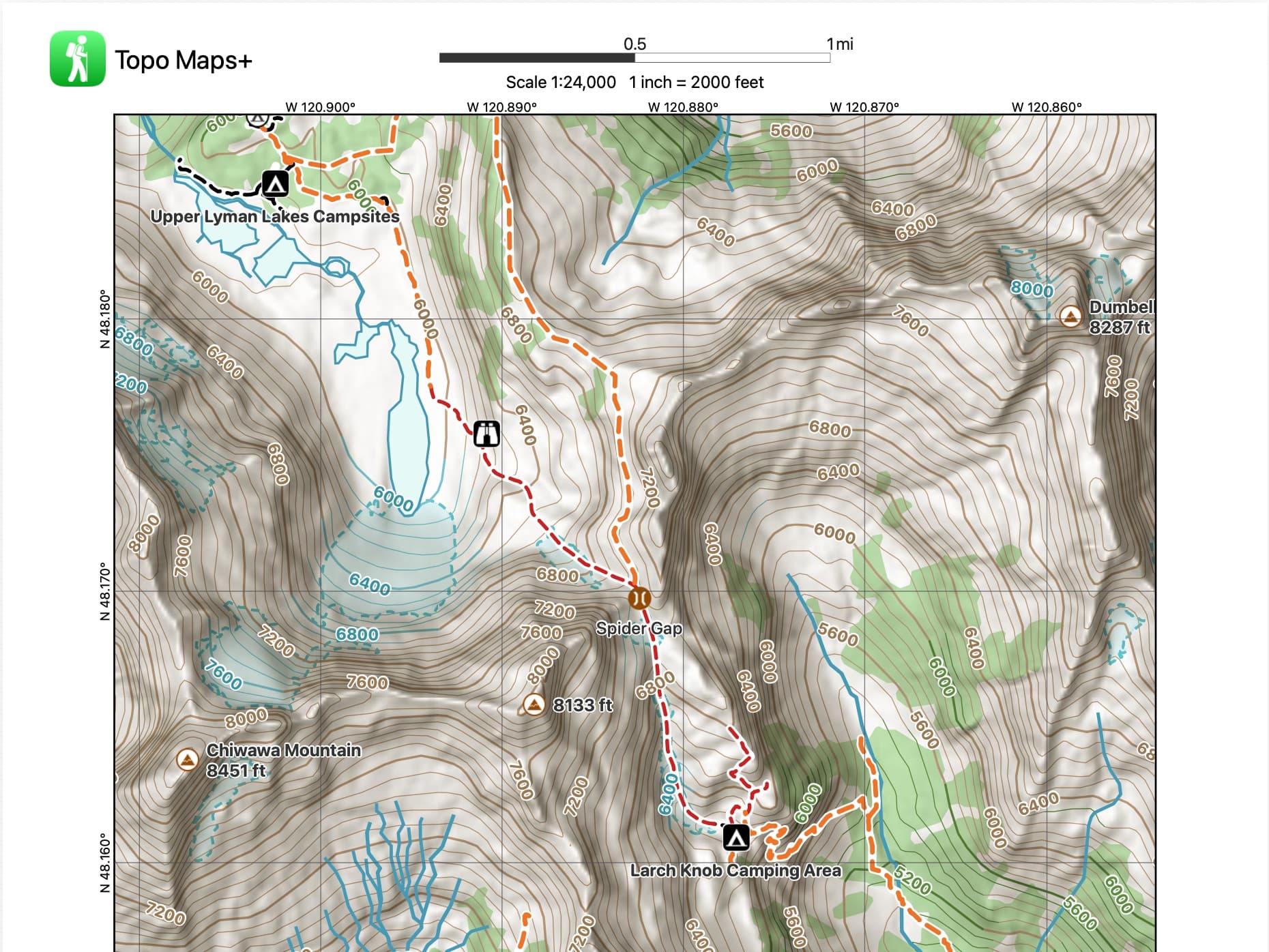
ProPrint custom maps with your routes, waypoints, magnetic declination, coordinate grid, and scale. The backup that fits in a pocket.
More detailsShare a location or route
Send a common location to a friend or your whole group in one tap.
Import / Export GPX & KML
Bring routes in from anywhere; export to share with anyone or load into a Garmin or inReach.
Sync across devices
Through your Topo Maps+ account: plan on the Mac, follow on the phone, all the same data, all the way through.
Go deeper
Make it yours.
A small set of features for people who push the app further — building their own data, working in their own coordinate systems, and customizing how the map reads.
Custom Data Layers
EliteBuild your own data overlays with custom attributes and styles — the cost-effective, easier-to-use alternative to ArcGIS Field Maps.
More detailsUS Public Land overlay
EliteBLM, USFS, NPS, state, and more.
US Private Land overlay
EliteParcel boundaries and ownership.
Hunting Units (US & Canada)
EliteGame-management-unit boundaries.
Custom Map Imports (GeoPDF)
Bring your own basemap into the app — agency, custom, or hand-drawn — and navigate on it like any other map. Your first 10 imports are free.
More detailsDistance Rings
ProDrop custom radius rings around any waypoint for radius checks.
Not on AndroidIcons & colors
Pick from a large library of icons and set any color you like for your waypoints and routes — style the map the way you want to read it.
FAQ
Features, plans, and platforms
Does Topo Maps+ work fully offline?
Yes. With a Pro plan you can download any region — every map style and overlay — to your device, so the maps, tracking, and route tools keep working in airplane mode with no cell signal. Your maps live on your device, not in the cloud.
What’s the difference between the Pro and Elite plans?
Pro ($59.99/year) unlocks all premium maps, overlays and terrain, route planning with Snap to Trails, offline region downloads, and printable paper maps. Elite ($79.99/year) includes everything in Pro and adds US & Canada hunting units, US public and private land overlays, and custom data layers.
Is there a free version?
Yes. The Free tier includes the core maps and tracking to get you started. You can also try the outdoor map in your browser with no account, and start a 7-day free trial of Pro at any time.
Which platforms does Topo Maps+ run on?
iPhone, iPad, Android, Mac, Apple Watch, CarPlay, Vision Pro, and the web. With a Topo Maps+ account, your routes, waypoints, and recorded tracks sync across all of your devices.
Can I print paper maps?
Yes, with a Pro plan. Print custom maps that include your routes, waypoints, magnetic declination, a coordinate grid, and scale — a reliable backup that fits in your pocket.
Can I import and export GPX and KML files?
Yes. Import routes and waypoints from anywhere, and export them to share with others or load onto a Garmin or Garmin inReach device.
Try it
Pick up where the feature list ends.
The quickest way to see what these actually feel like is to use them.