
Hikers & Backpackers
Day hikes. Long routes. Off-trail.
Built for the way you actually hike — from a local trail after work to a week off-grid above treeline.
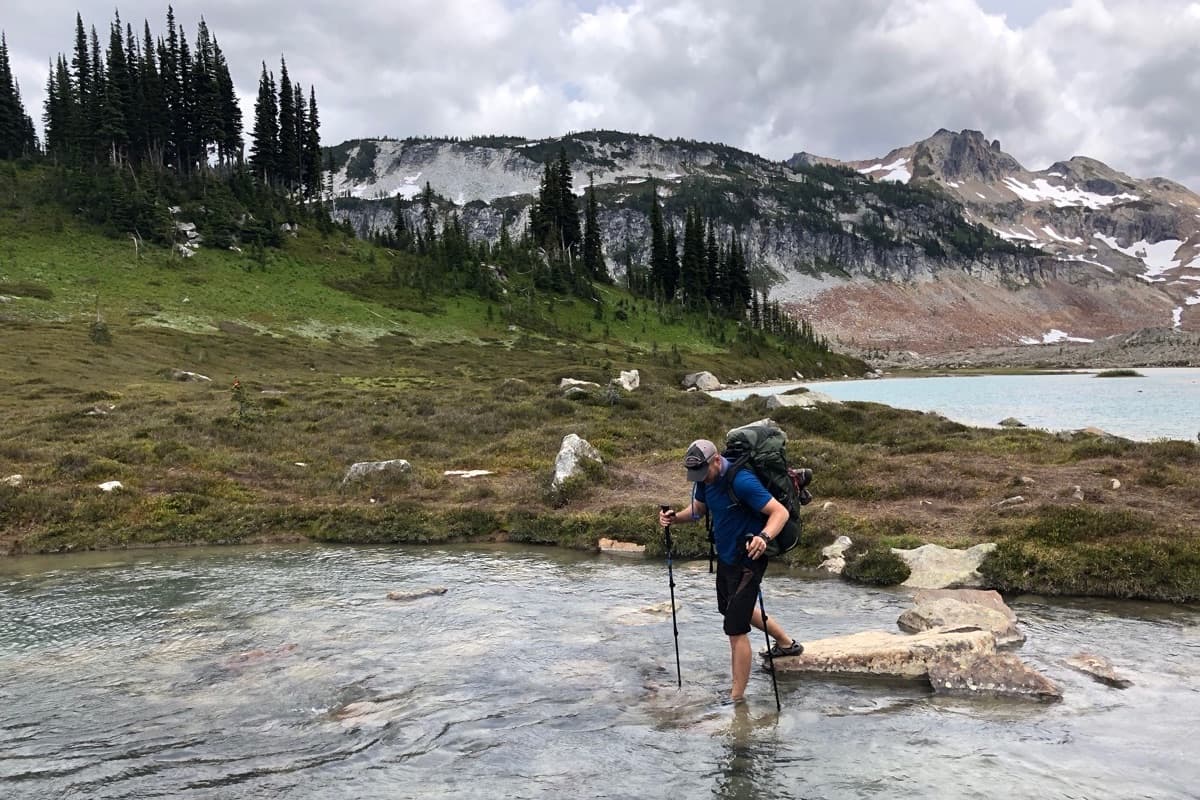
Not a guidebook
Built for offline backcountry navigation.
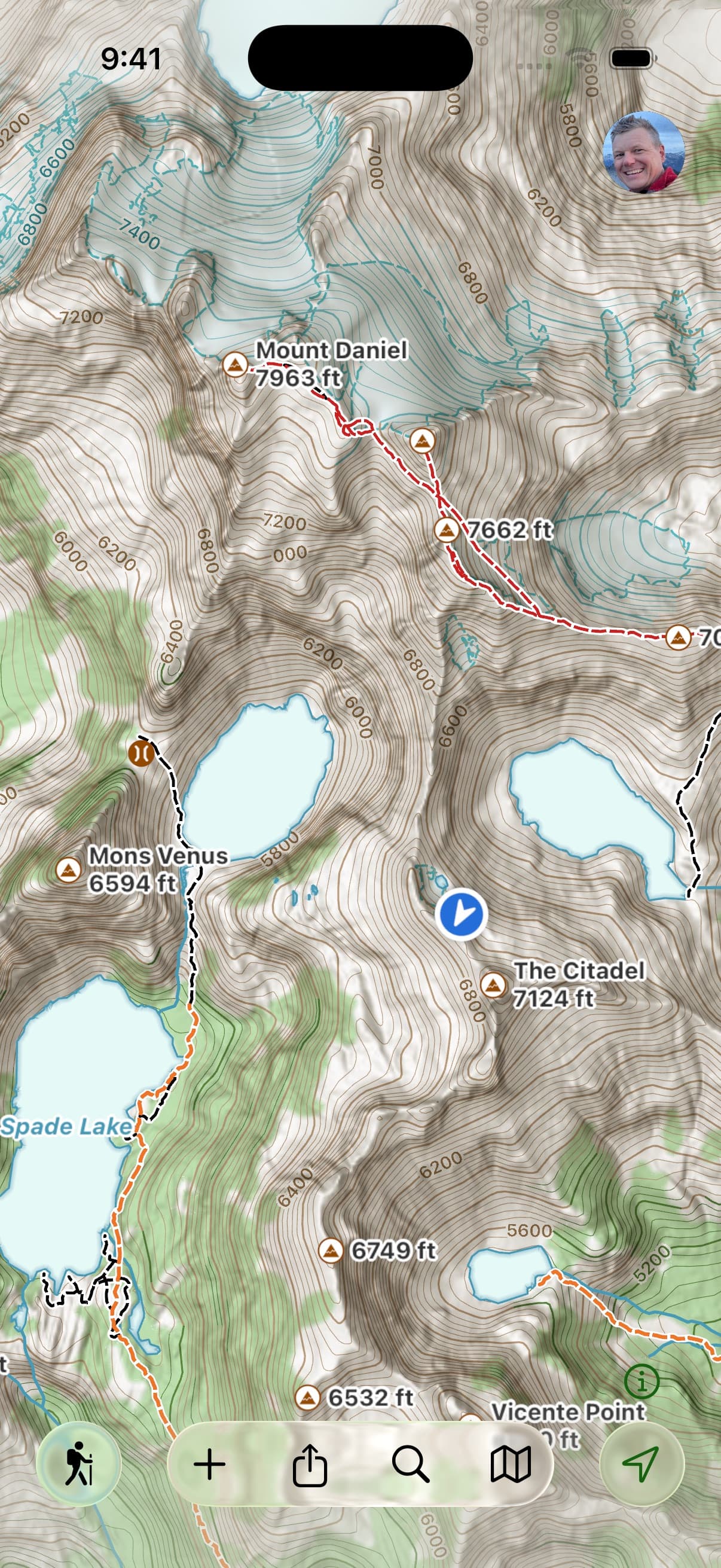
A lot of hiking apps hand you a tidy list of “popular routes” and call it navigation. Topo Maps+ is the map underneath. Built for where the trail ends and the signal dies — accurate topo, real terrain detail, every trail and unnamed track the data sources have, and the reliability to keep working when you hike past where everyone else stops.
“These guys, unlike all those other app makers, expect that while in the backcountry you will not have internet access. So offline capabilities are built in and taken seriously.”— Dlwiii, App Store review

The range
Same app, every kind of hike.
The way you use Topo Maps+ on a Wednesday-evening trail is different from how you use it on a 9-day route through the Wind Rivers. The app expects both.
The day hike
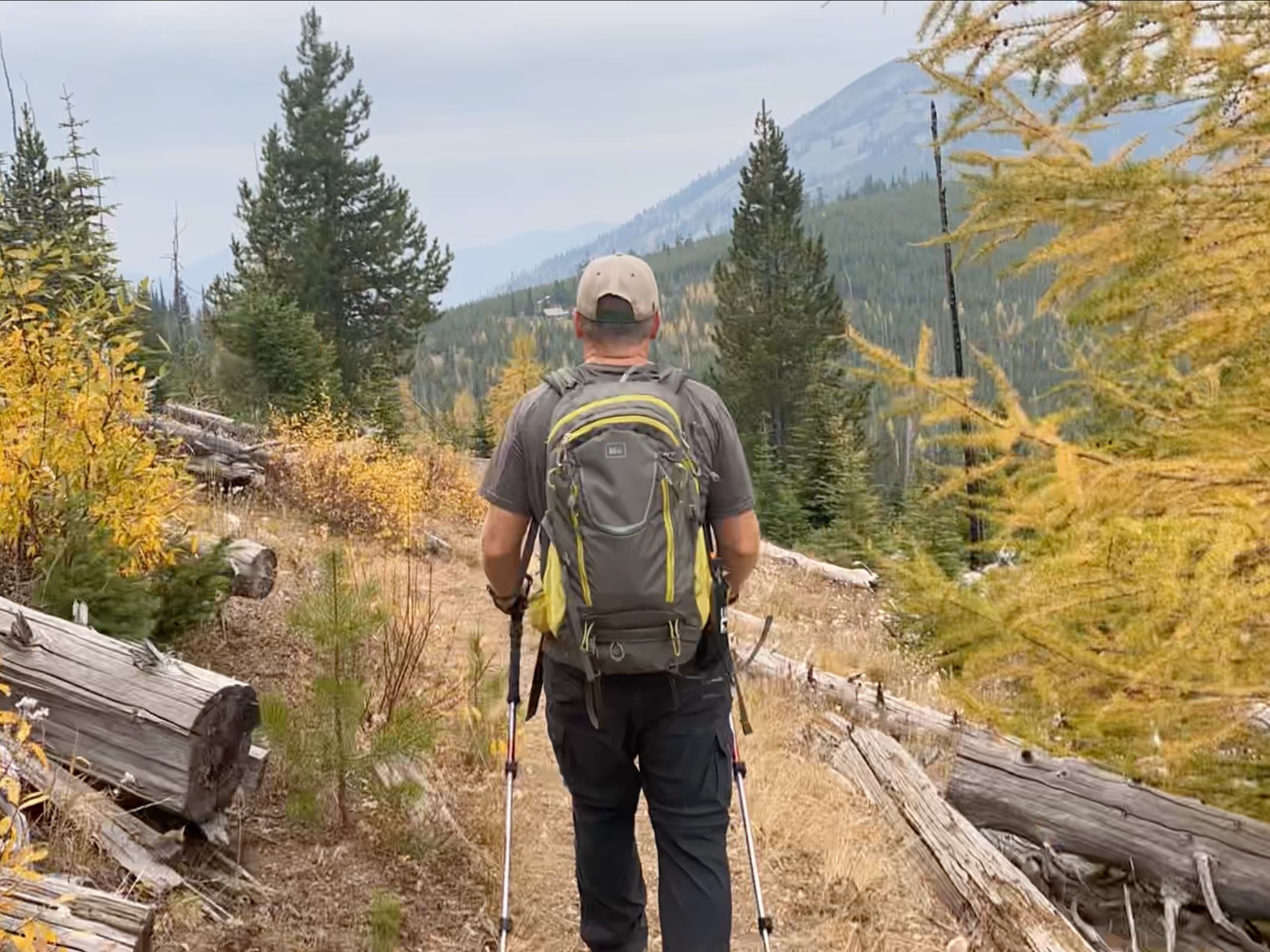
Open the app, pick the Hiking activity style, and you have accurate topo for where you are — trails, trailheads, and a tap-to-explore interface that lets you check the elevation of any peak or the distance to any lake. Record your track to see your route, your mileage, and your elevation profile after. Glance at your Apple Watch at junctions and keep your hands free.
The long backpacking trip
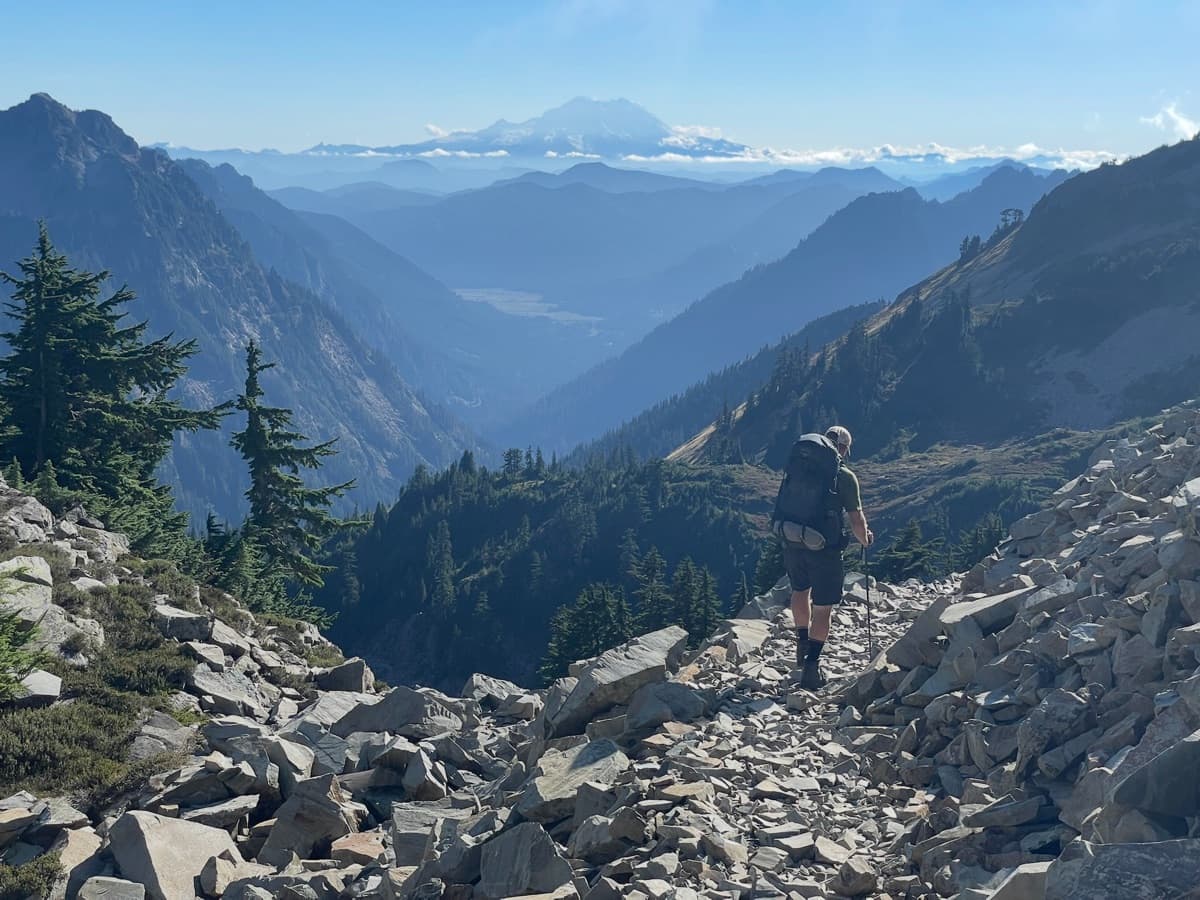
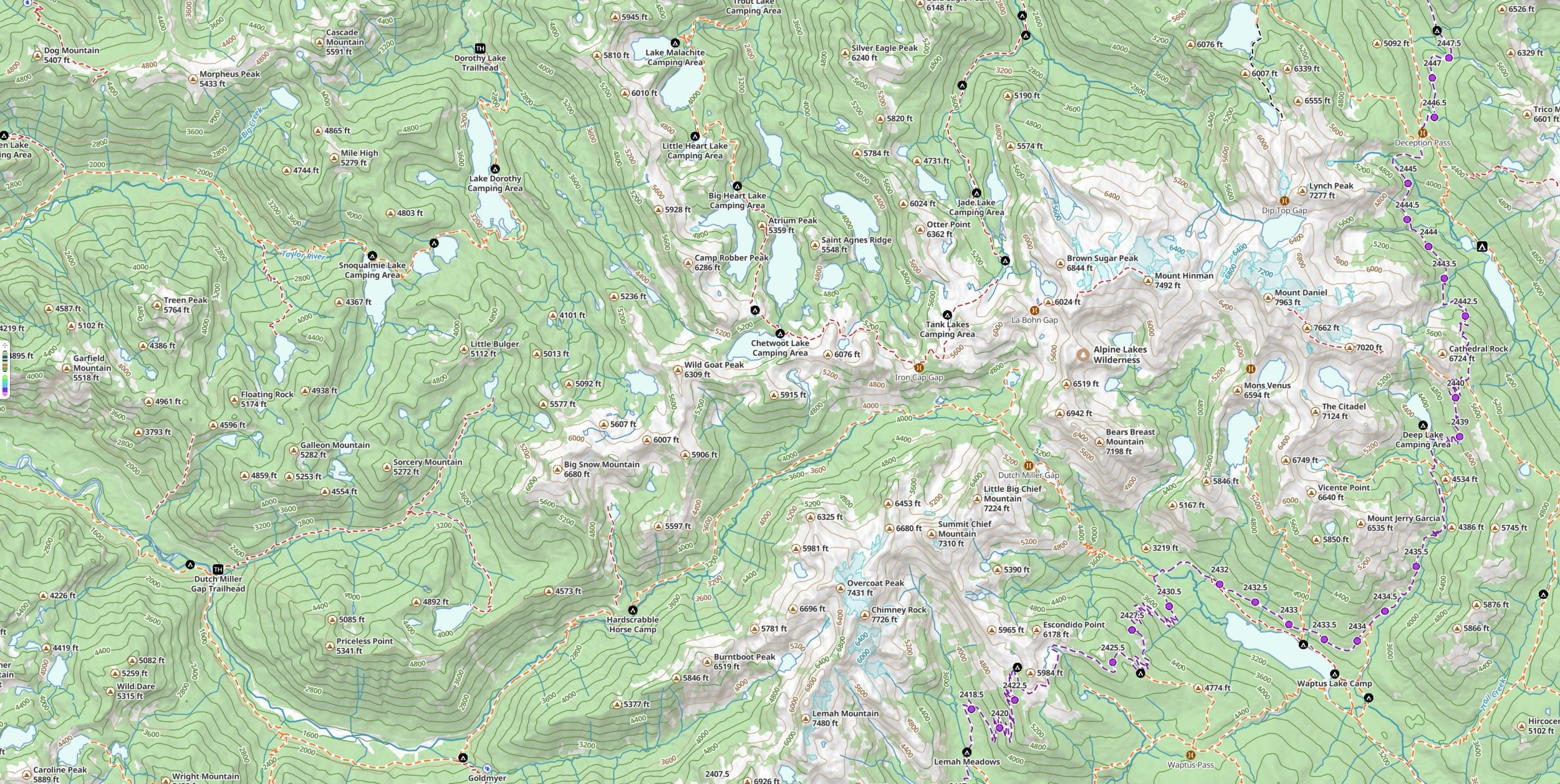
The planning happens at home — sketch a route on the Mac, iPad, or the web; Snap to Trails follows established trails automatically; the elevation profile shows the climbs before you commit. Pre-download every map style and overlay for the whole region so it all works offline for the whole trip. On the trail, Progress on Trail tells you how far you’ve gone and how much is left without recording a full GPS track — a real battery saver across a nine-day route. Print a paper backup with magnetic declination and a coordinate grid, sync the route to your phone and your hiking partner’s device, and go.
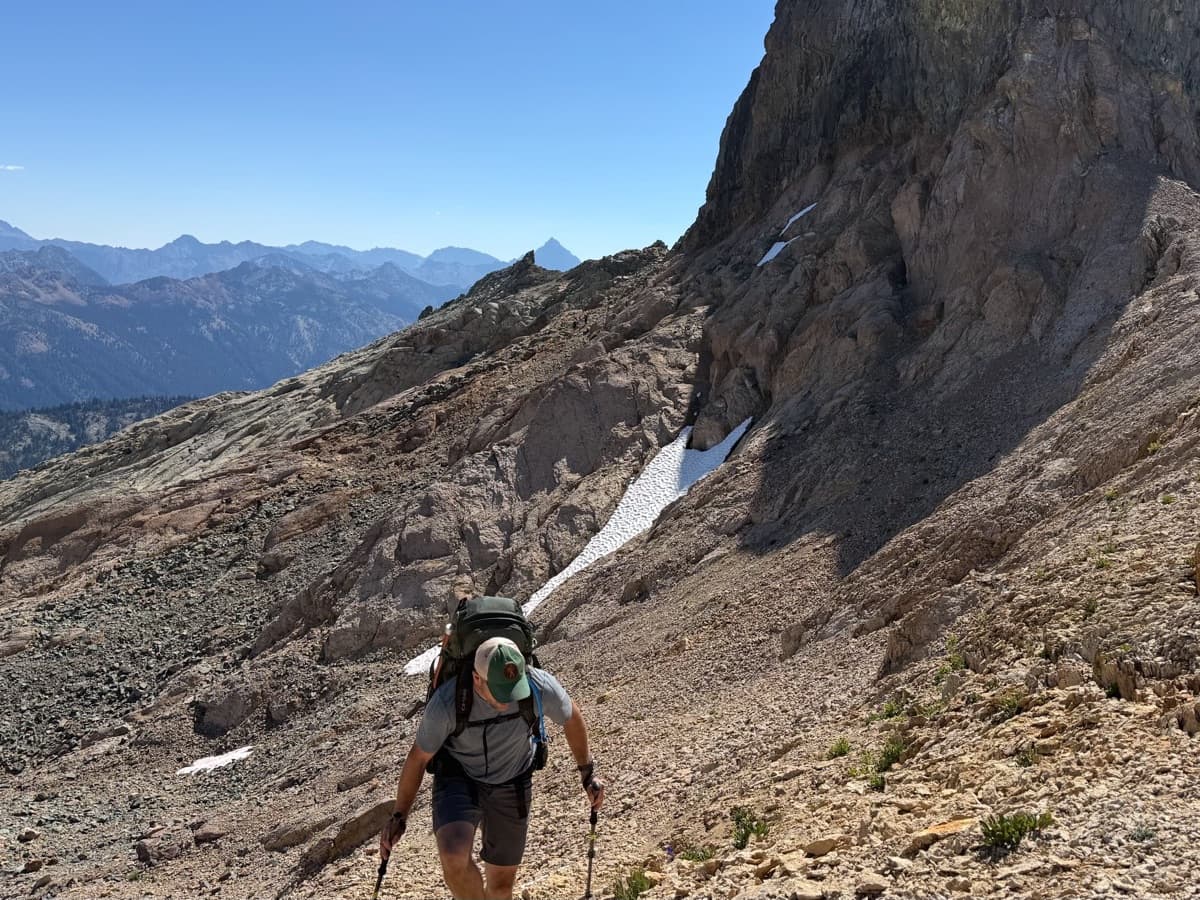
Off-trail and alpine
Switch to the Alpine Hiking style for color-coded trails by the SAC alpine grading scale — see at a glance whether a section is a walk or a serious scramble, and tap any trail to read the SAC rating with a short explanation. Hill Shading reads the terrain like a 3D model at a glance.
Most peaks have an approach route someone has put online as a GPX file — import it and follow it like any other route. The other half of off-trail prep happens in waypoint notes: paste beta from a forum thread into a waypoint (“go around the boulder that looks like a tooth, then up to the right of the heather, cross the gully”), and the note will click when you’re standing right where it was written.
Out on the ground, when the topo says one thing and your eyes say another — a 40-foot contour can hide a 20-foot cliff band — pull out the map, find the most likely line, and reroute on the fly. Tap & Hold drops a waypoint anywhere; Guide Me points an arrow toward your next waypoint and fills green when you’re facing the right way to walk to it.
Trail access, difficulty, and conditions can change. It’s on you to verify before you head out.
From the trail
Trusted where it matters.
“I hike/backpack off trail frequently and have not been lost once in 2 years (several hundred miles) of using this tool. I still bring paper maps and a compass out of habit, but very rarely use them now.”
“I’ve used many phone apps trying to find the app that supports all my backcountry adventures. This has been my “Go To” app for the last 2 years. I found my app.”
“If you’re an avid hiker or backpacker, give Topo Maps+ a serious try.”
Get going
Plan a trip. Take it offline. Hike.
Free to try in your browser. The 7-day trial unlocks every map style, every overlay, and the offline downloads you’ll actually use in the field.