
Guides · Printing
Print a paper backup that can’t run out of battery.
Your phone is the best map you’ll carry. A printed map is the one that’s still in your pocket when the phone isn’t. Here’s why a paper backup is a real safety tool, and how Topo Maps+ prints one that’s actually worth carrying.
Why it matters
A paper map is a safety tool, not a souvenir.
A phone is a remarkable map — until it isn’t. Batteries die, and they die faster in the cold. Screens crack. Phones get dropped in creeks, left on tailgates, and drained by a day of GPS. None of that is unusual in the backcountry; it’s a normal Tuesday.
A printed map needs no power, no signal, and no luck. It survives a swim and a drop. It doesn’t update, doesn’t crash, and doesn’t care how cold it is. That’s exactly why search-and-rescue teams, wilderness guides, and serious backcountry travelers still carry paper, not instead of the phone, but behind it. It’s the backup that can’t fail when the thing in front of it does.
Carrying a printed map of where you’re going is one of the simplest, cheapest safety decisions you can make before a trip. The trick is printing one that’s actually readable. That’s where v10 changes things.
Sharp on paper
Crisp at any zoom.
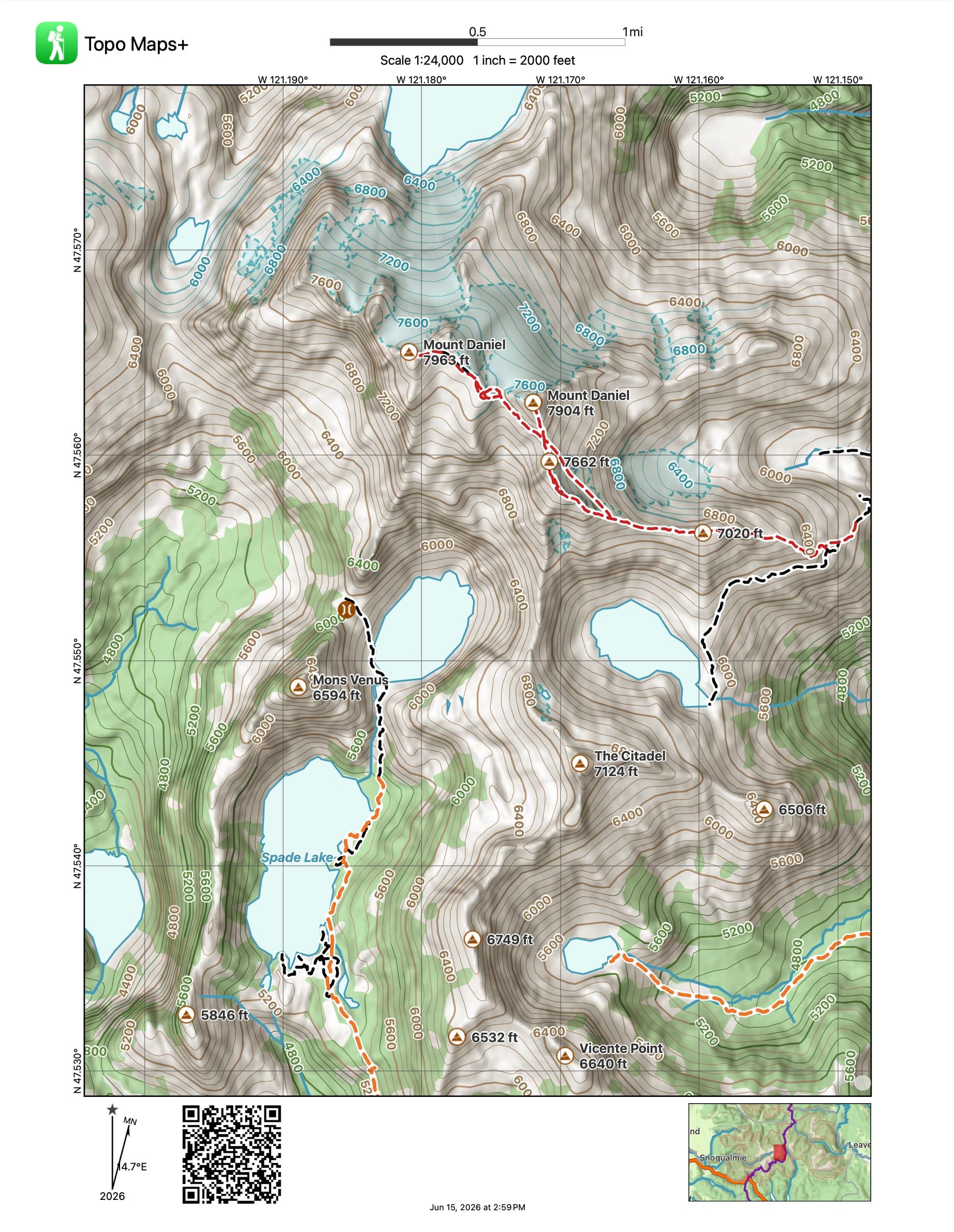
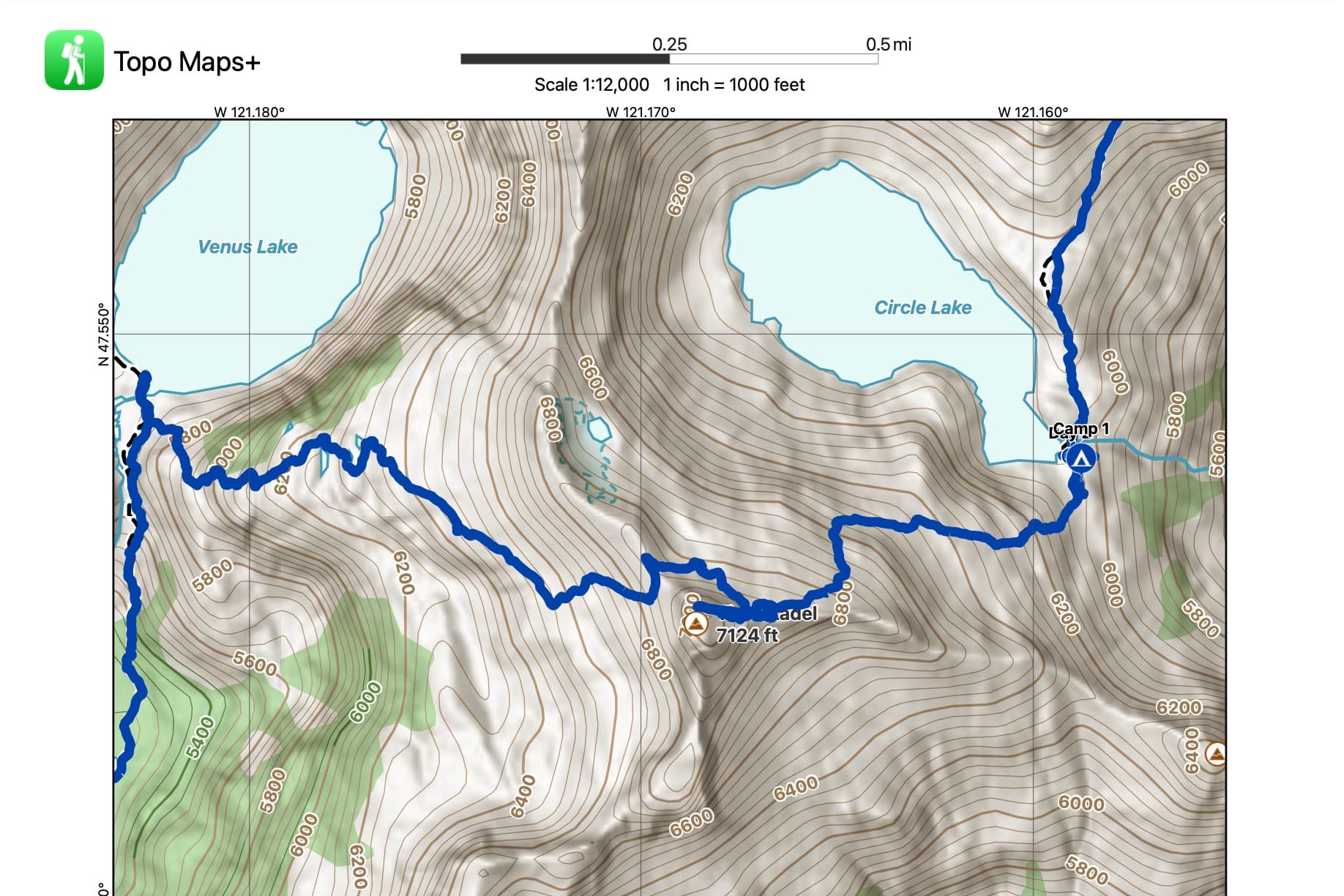
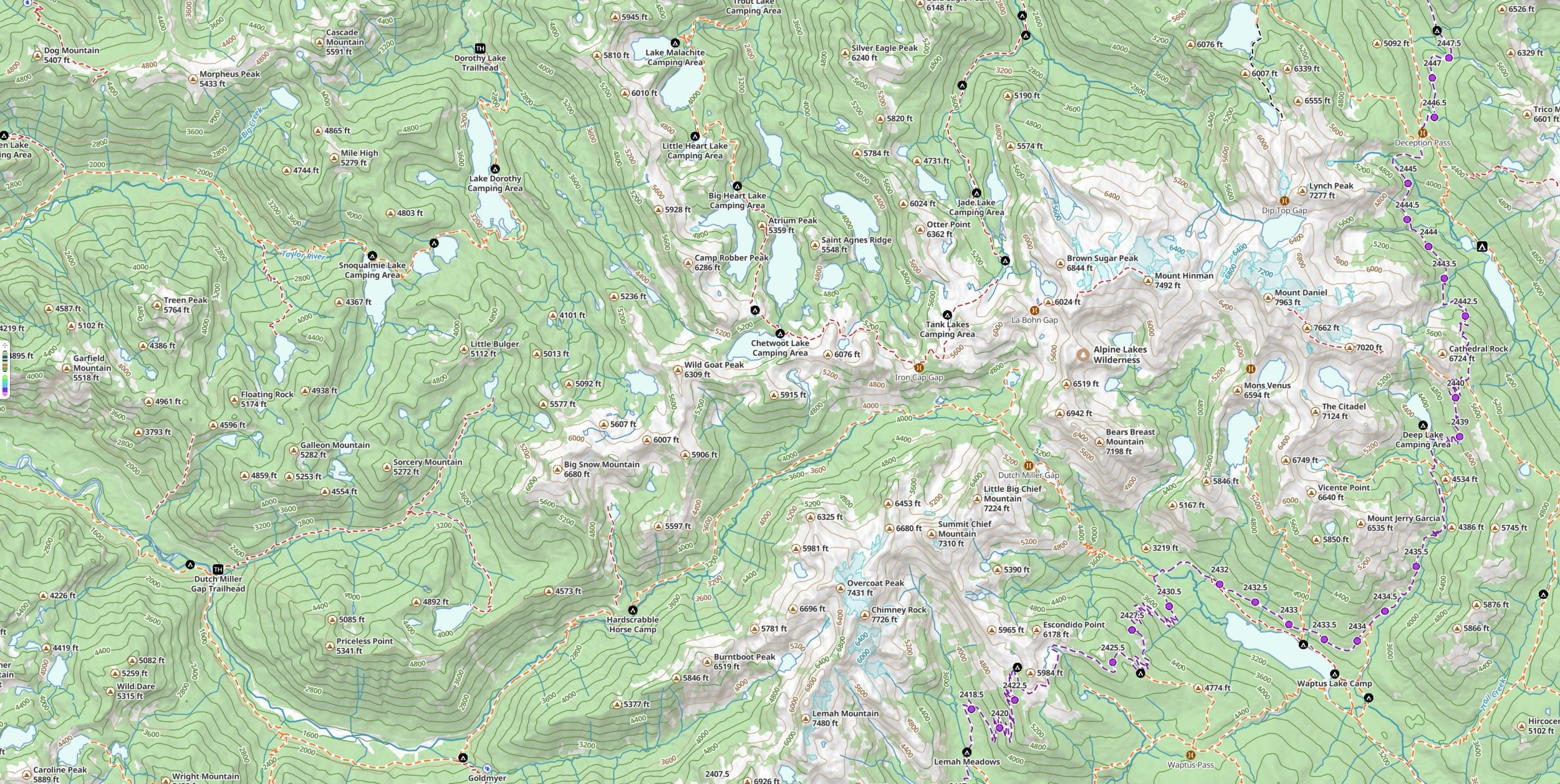
Print a map and it shouldn’t come out blurry. In v10, Glacier Topo and the new vector maps print clean at any scale. Because they’re vector, the map is drawn fresh at whatever zoom you pick instead of stretching pixels. Clean contour lines, legible labels, no mush.
What’s on the sheet
Everything you’d navigate by.
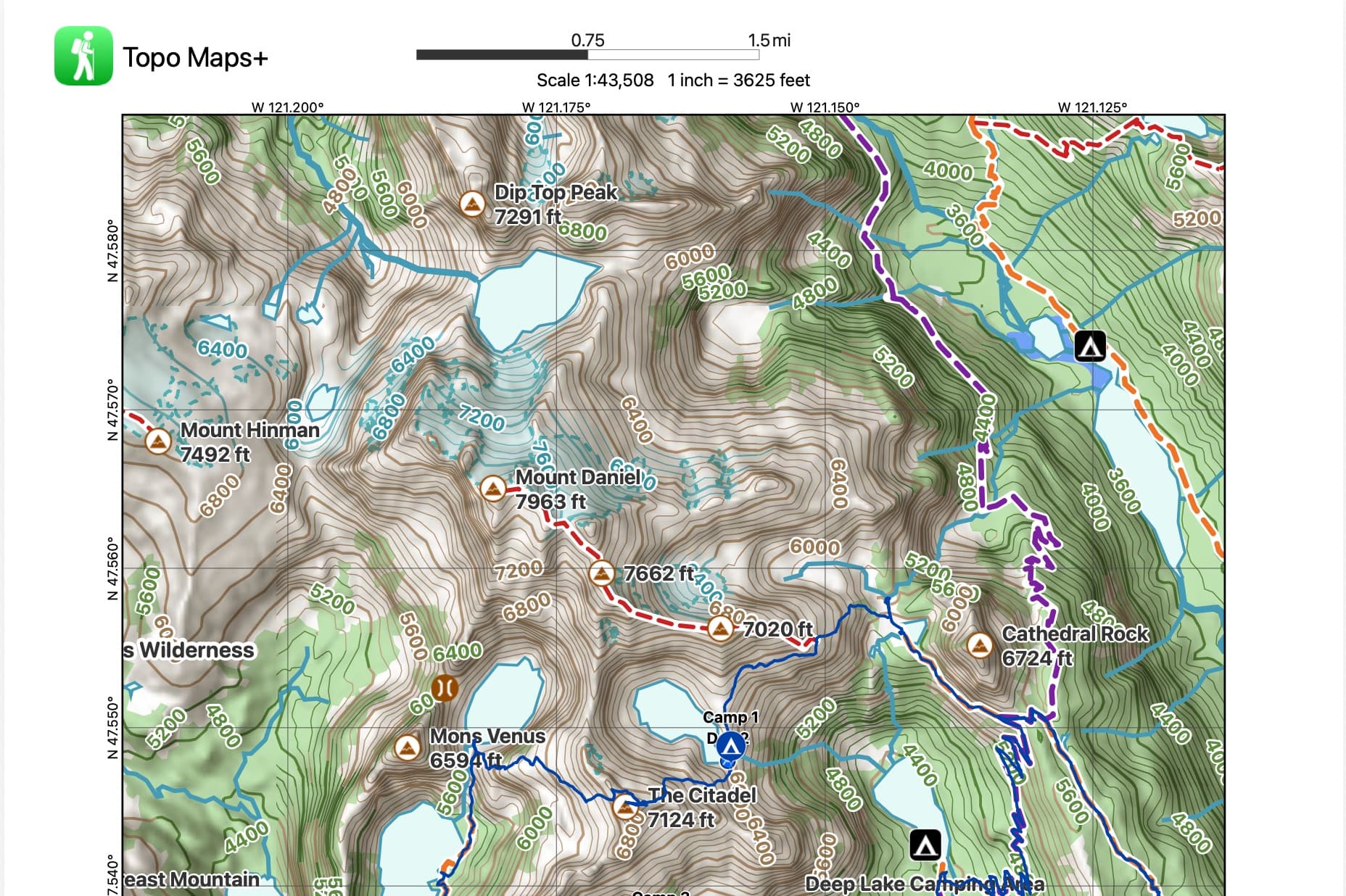
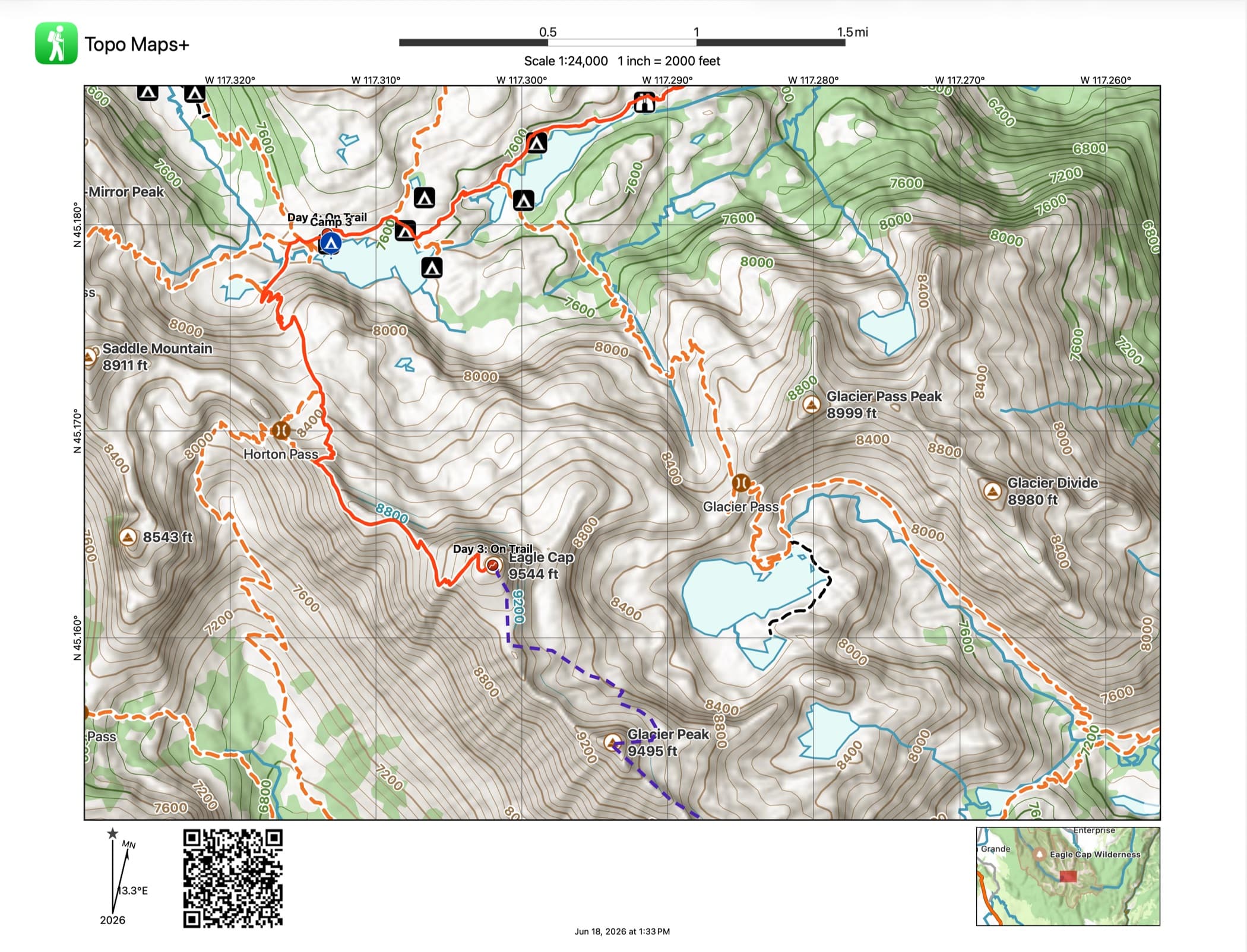
A good printout isn’t just a picture of the terrain. Your planned routes and waypoints print right on the map, along with a coordinate grid, magnetic declination, and a scale bar, so it works with a baseplate compass the moment the screen goes dark. That’s the whole point of carrying it.
Watch
See a paper map used the way it’s meant to be.
Wilderness guide Matt Kessler walks through combining a printed map, a baseplate compass, and Topo Maps+ into one navigation system: the parts of a compass, magnetic declination, and staying oriented when a storm rolls in days from the trailhead. It’s the clearest case for why the printout in your pack matters.
This is video 2 of Matt’s three-part series. Watch all three videos →
How to do it
How to print your maps.
Printing is part of Pro, and it takes about a minute. Here’s the short version:
- 1Open the area you want and set up the map, turning on the routes, waypoints, and overlays you want to appear.
- 2Open the share menu and choose Print.
- 3Pick your paper size and orientation, then set the zoom: an overview for the whole route, or zoom in for a detailed section.
- 4Print it, or save it as a PDF to print later or somewhere else.
Want the click-by-click walkthrough with screenshots? Read the full printing guide in our support center →
FAQ
Printing questions
Is printing included in my plan?
Printing is part of Pro. A Pro subscription unlocks printable paper maps along with offline downloads, all premium maps and overlays, and route planning with Snap to Trails. You can start a 7-day free trial to try it.
Do my routes and waypoints print on the map?
Yes. Your planned routes, waypoints, and the overlays you have turned on print right on the map, along with a coordinate grid, magnetic declination, and a scale bar. The printout works with a compass, not just as a picture.
Can I print a map I’ve downloaded for offline use?
Yes. Printing uses the same maps you can download for offline navigation, so you can print the exact area and map style you plan to carry.
Why do my printed maps look sharper now?
In v10, Glacier Topo and the new vector maps are drawn fresh at whatever scale you choose instead of stretching pixels. That means clean contour lines and legible labels at any zoom: an overview of the whole route, or a zoomed-in detail of one tricky section.
What if I don’t have a printer?
Save your map as a PDF and print it later, anywhere: a library, a print shop, or a friend’s printer. The PDF carries the same routes, grid, and declination as a direct print.
Try it
Print the backup before you need it.
Printing is part of Pro. Start a 7-day free trial, set up your route, and put a sharp paper backup in your pack before your next trip.