
Guides · iPhone Duo
A pocket map and a full-size map.
Topo Maps+ is a hiking and backcountry mapping app, and iPhone Duo lets it be both. Every part of the app adapts to each pose.
Topo Maps+ is designed around the fold. No button ever sits on it, and each pose gets a layout of its own: a pocket map when it’s closed, a full-size map when it’s open, and two views of the same place when it’s standing up.
Closed
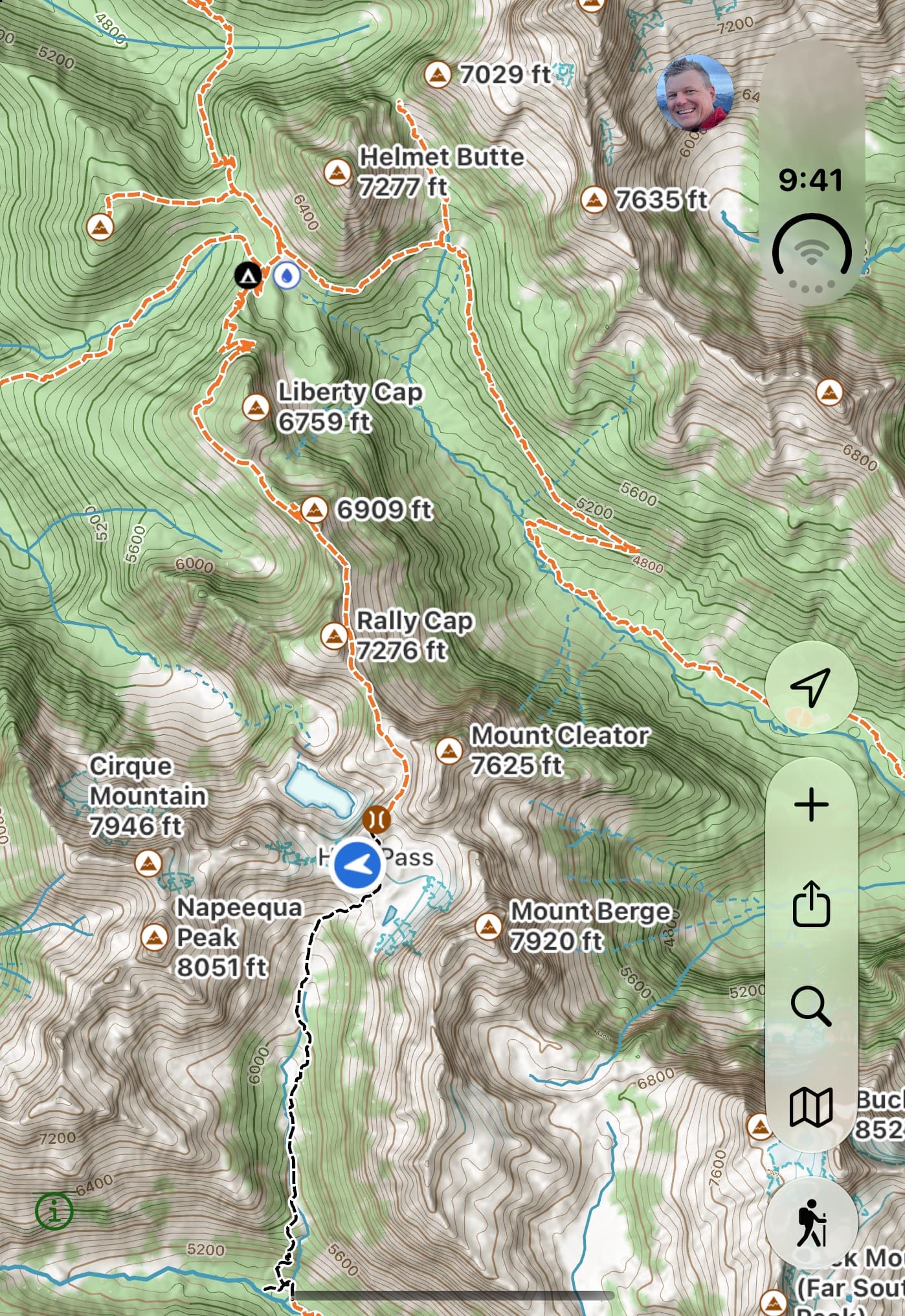
The whole map, in your pocket.
Closed, the map fills the outer display, with controls in the system side bar — right where iPhone Duo puts them in every app, so nothing on the map is hiding under a button.
Open
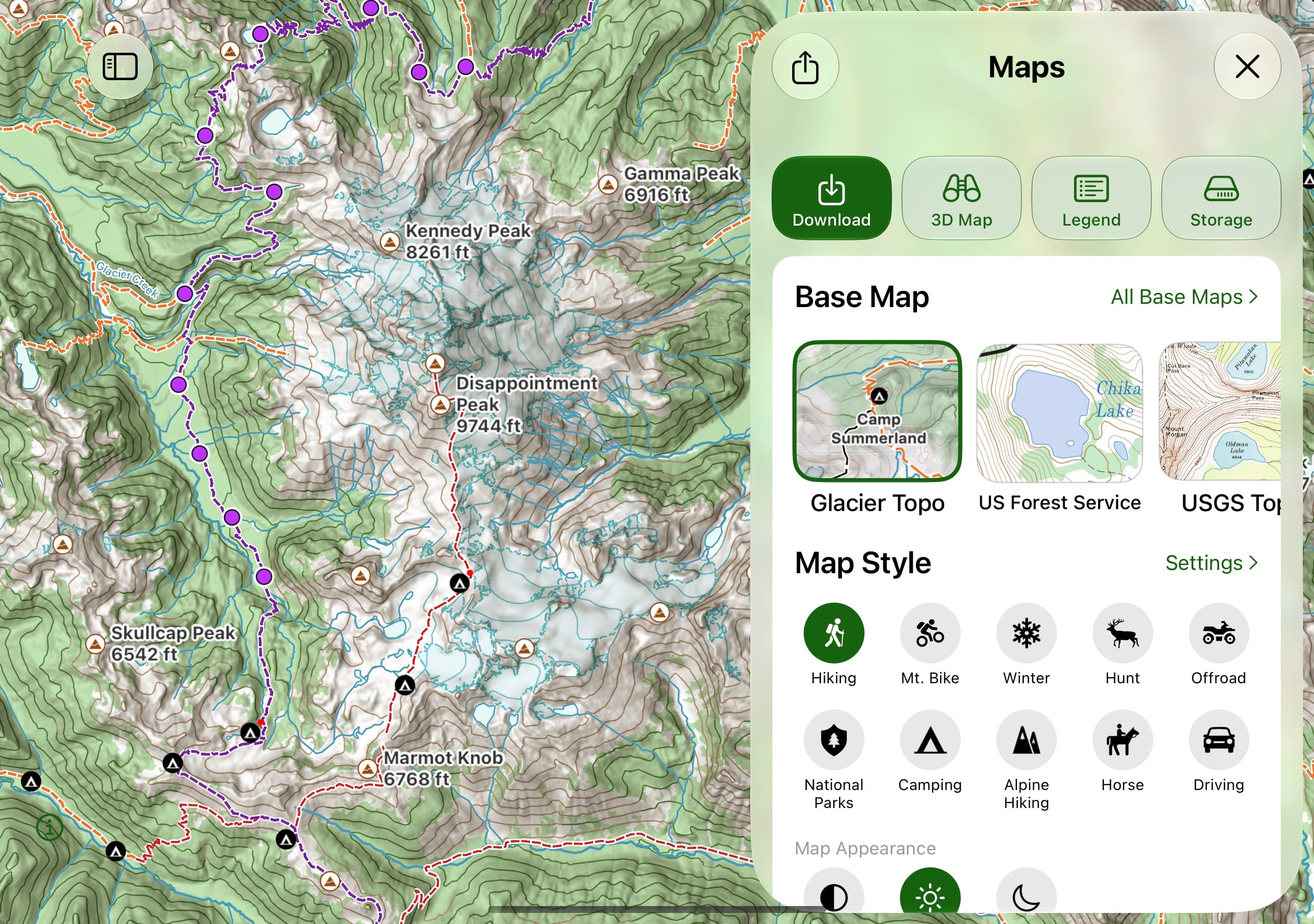
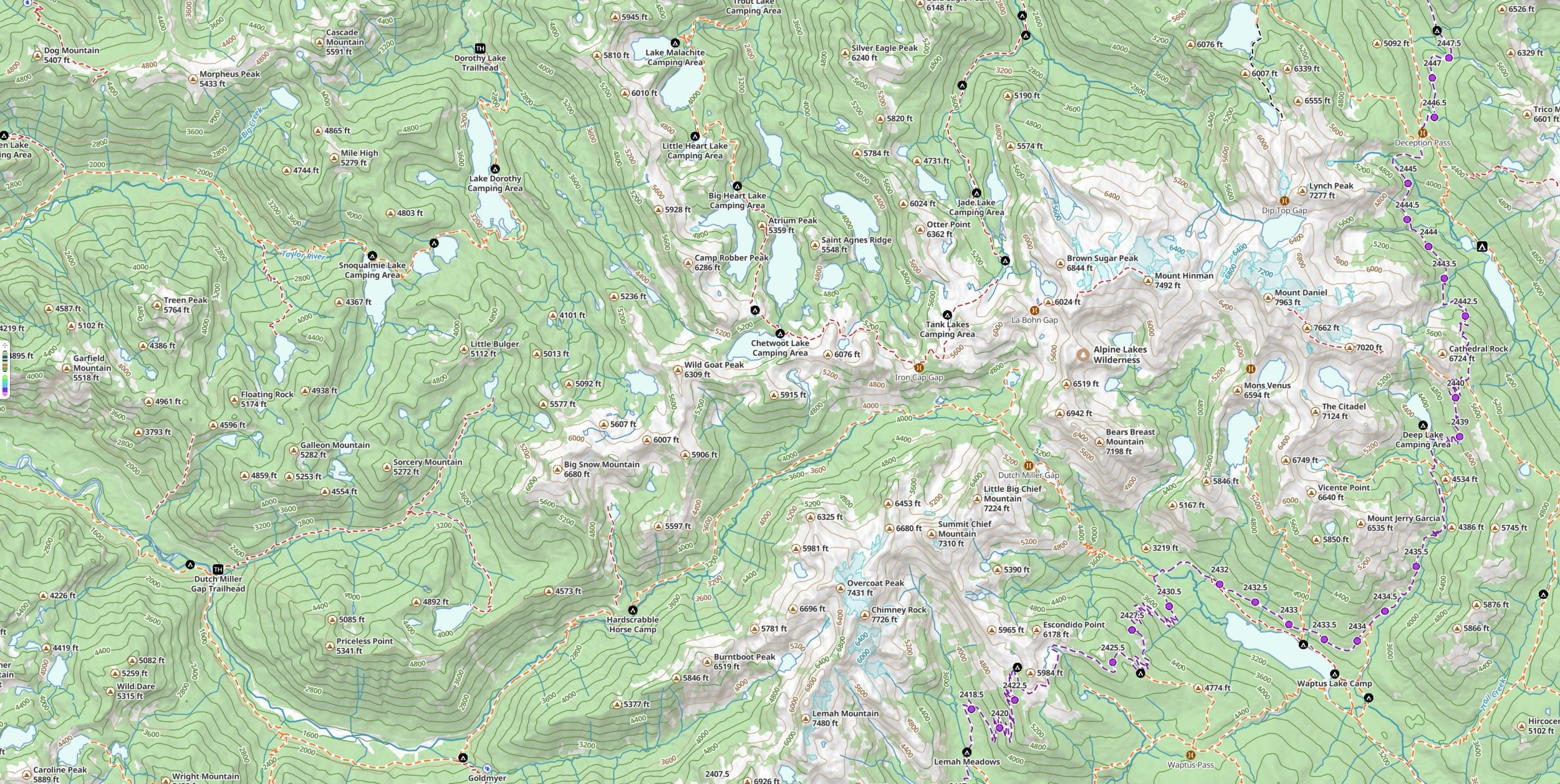
The map spreads across the inner display.
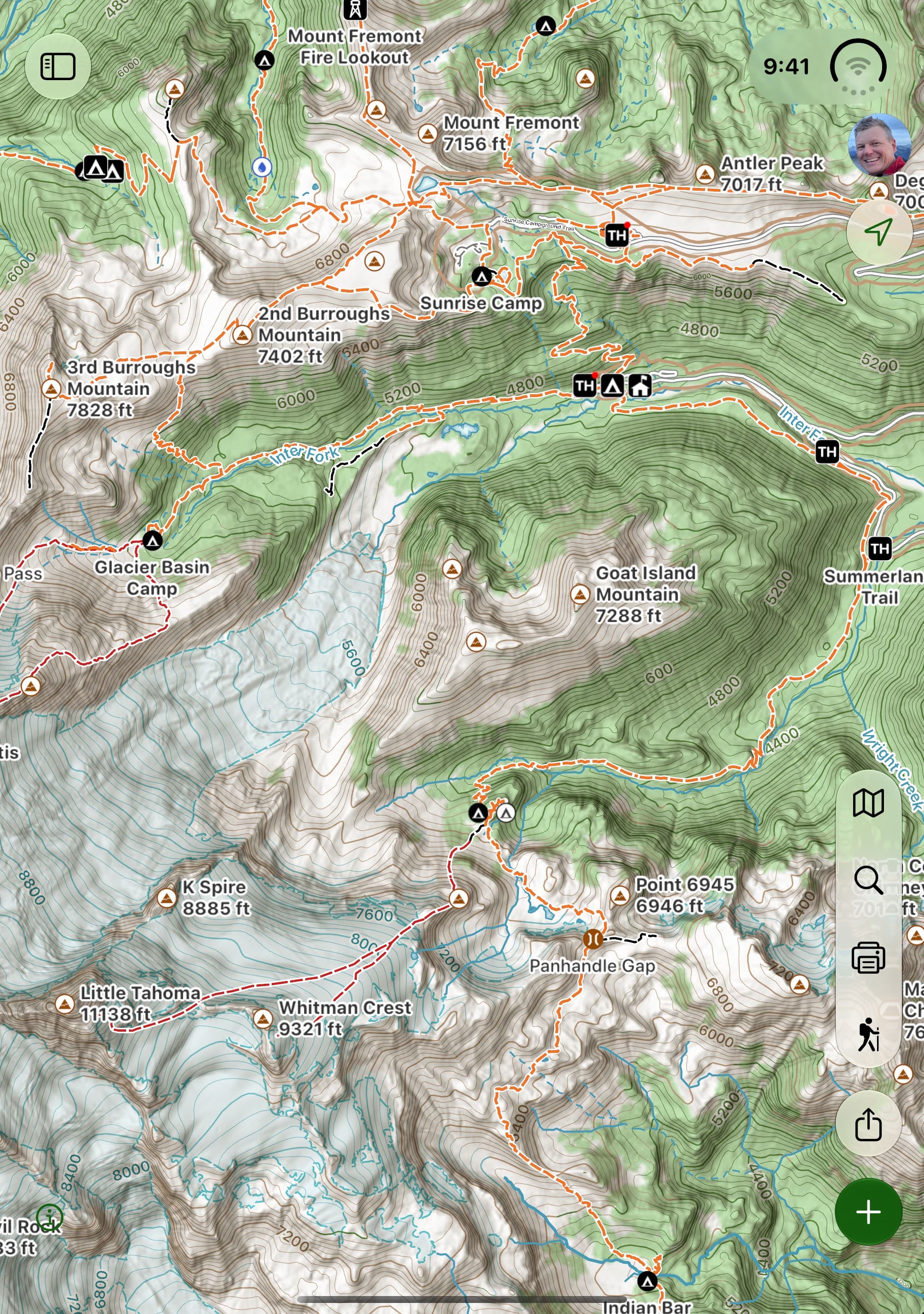
Open it up and the map runs edge to edge. Cards open on the right, clear of the fold, with corners shaped to match the display.
Turn it to portrait
Hold it the other way and the toolbar splits around the fold, so no button ever sits on the crease.
Tabletop
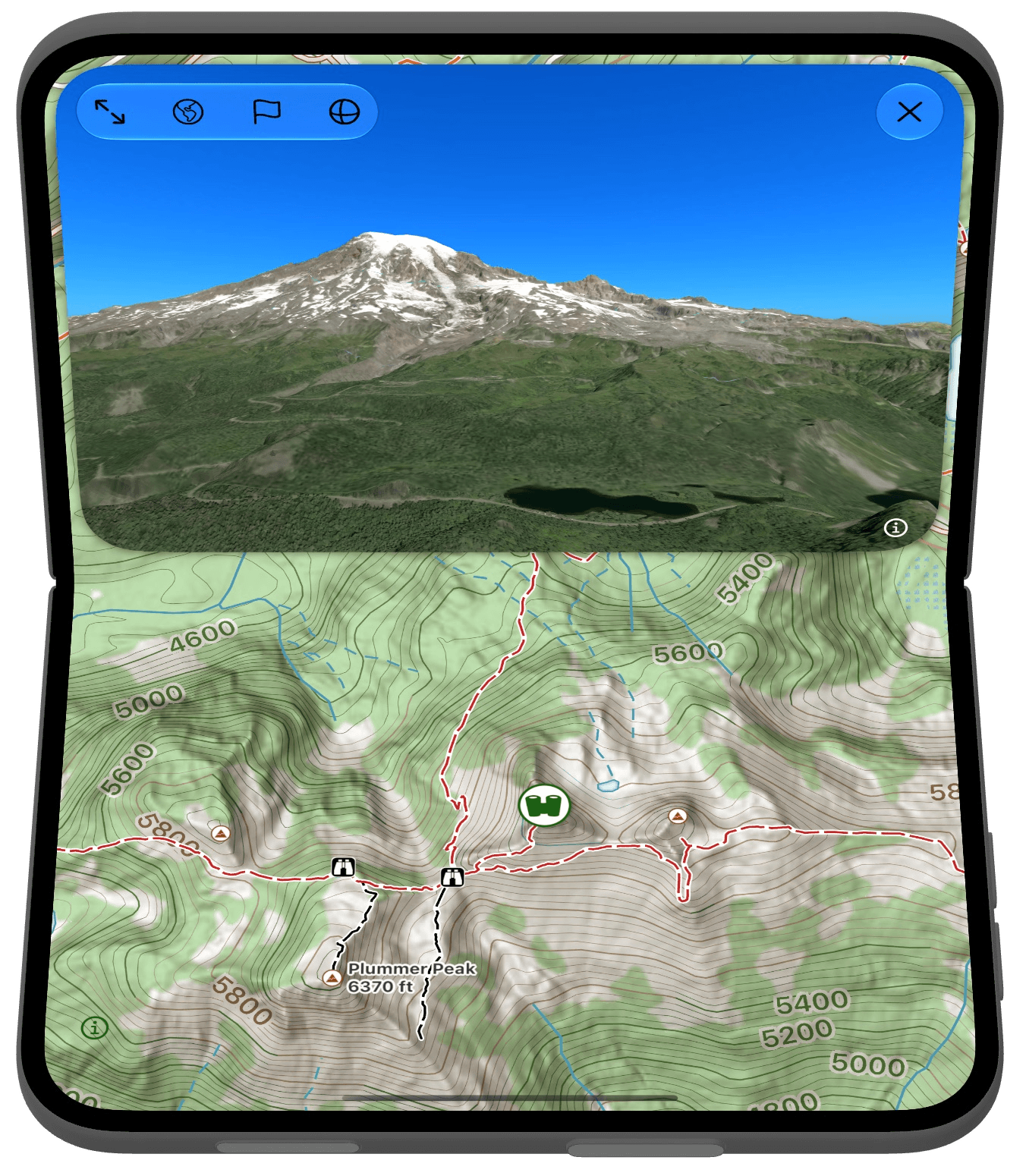
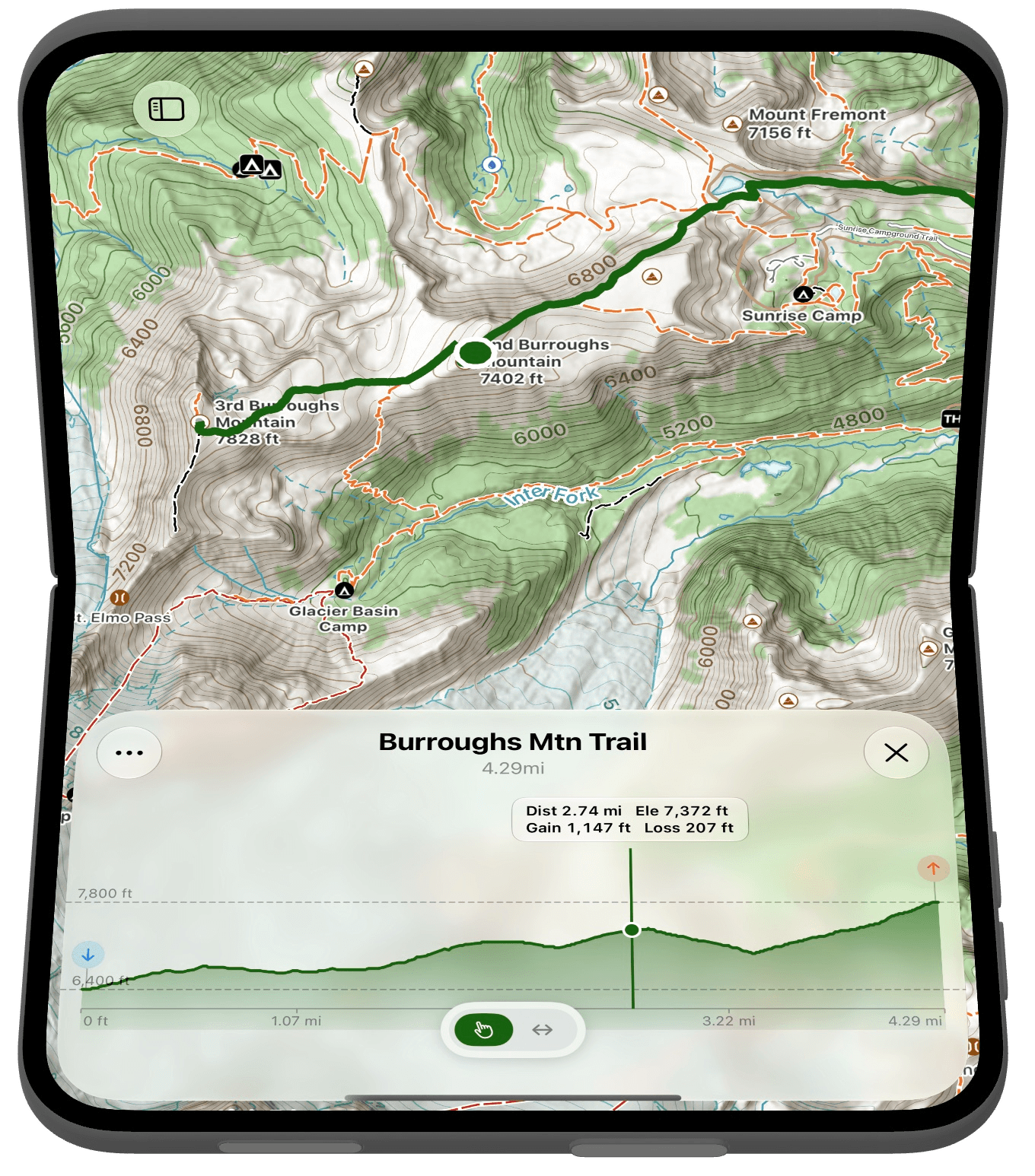
Each half of the display has its own job.
Stand it up halfway open and the fold becomes the line between two views of the same place.
Try it
Fold it, open it, stand it up.
Spread out on a tailgate the night before or folded into a pocket on the trail, Topo Maps+ fits the way you use iPhone Duo.