
Changing Your Email Address
You can change the email address on your Topo Maps+ account at any time from your profile.
How to change your email address
-
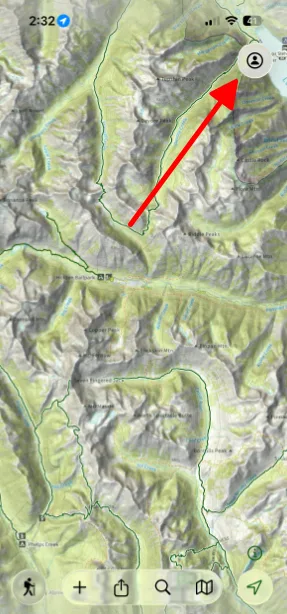
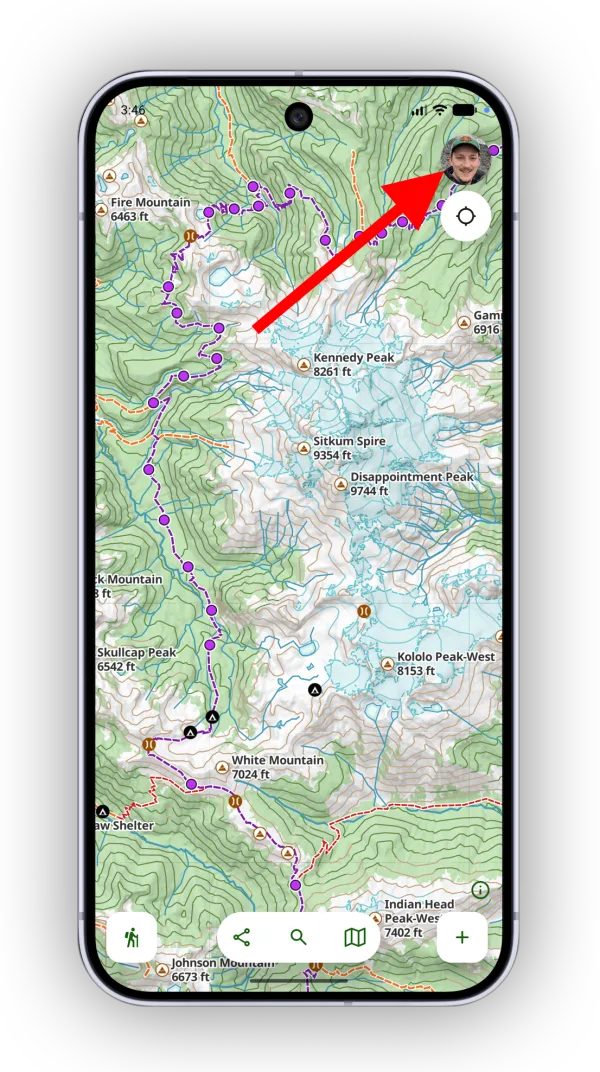
Tap the account button in the top-right corner of the app.
-
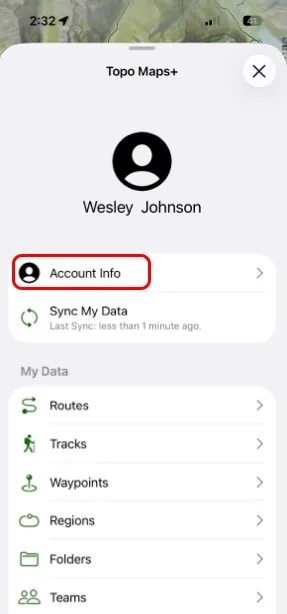
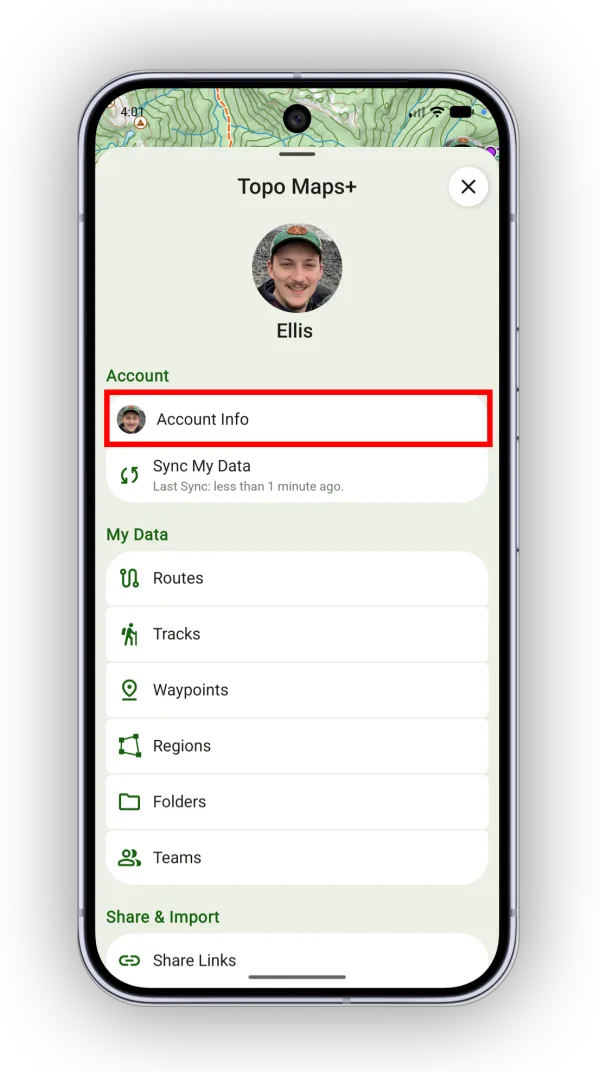
Tap Account Info.
-
Tap Edit Profile.
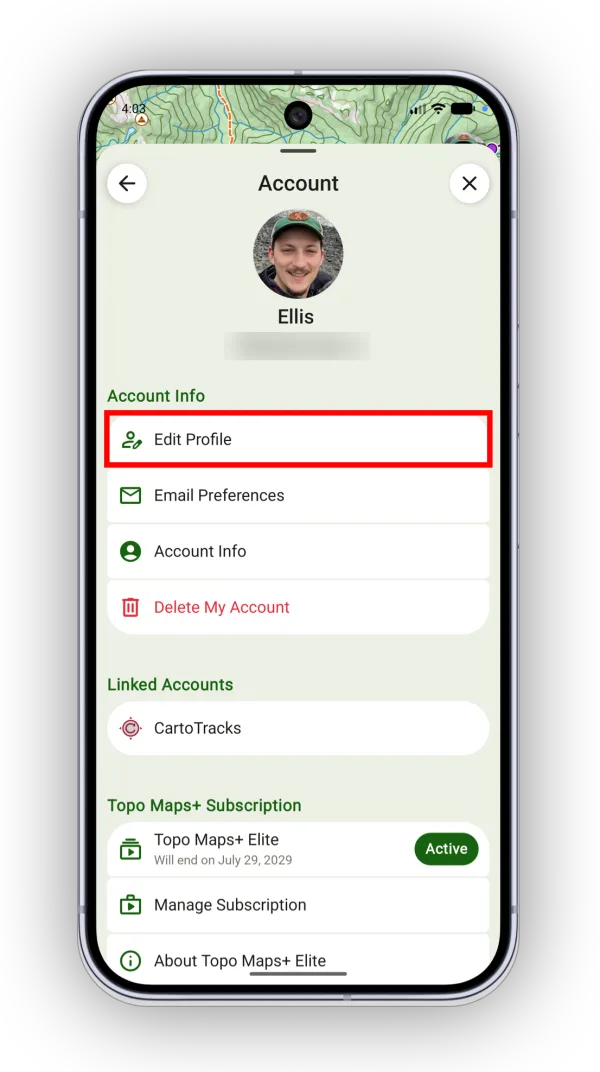
Shown on Android — iPhone looks slightly different. -
Tap your current email address and type your new one.
-
Tap the green checkmark in the top-right corner to save.
Updated October 7, 2026
More in Account & Subscription
Still need help?
We’re a small team and we read every message. Email support@topomaps.co and tell us which device you’re on.