
Syncing Your Account
Syncing keeps your waypoints, notes, routes, recorded tracks, and subscription the same on every device where you use Topo Maps+. You need a Topo Maps+ account to sync. If you don't have one yet, see Creating an Account.
How to sync
-
Tap the account button in the top-right corner of the app.
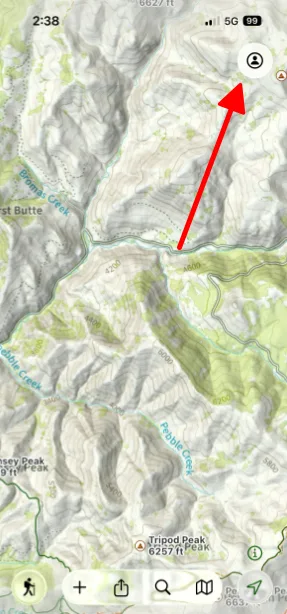
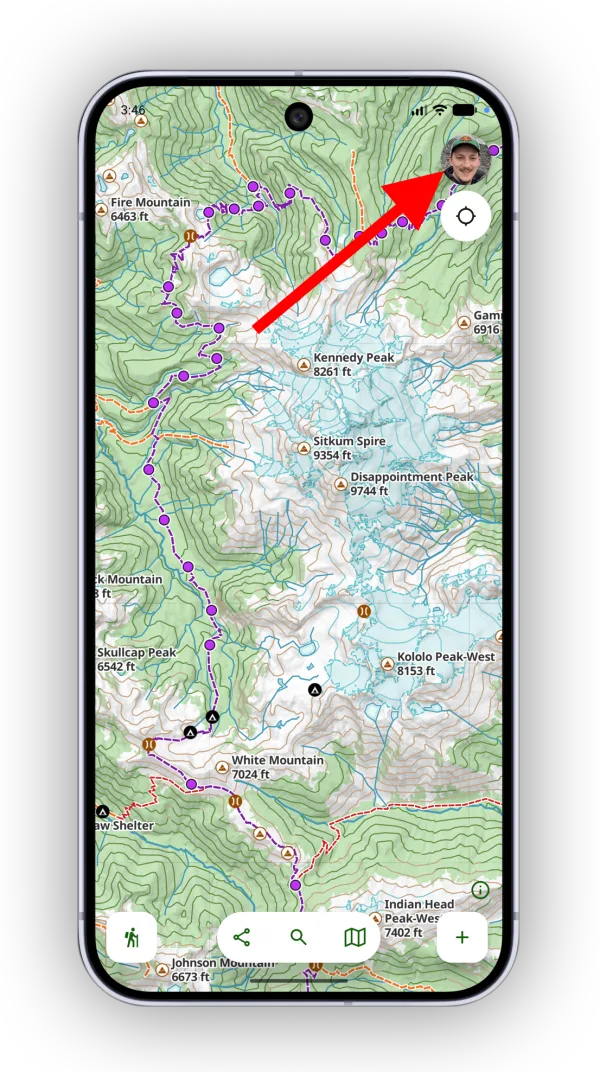
-
Tap Sync My Data.
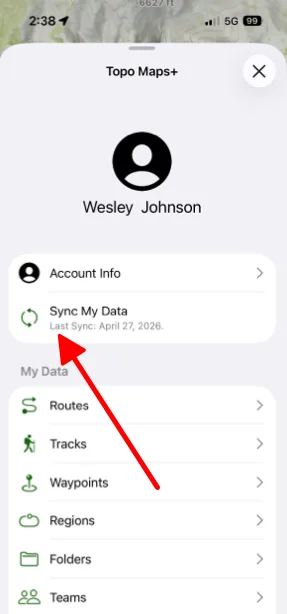
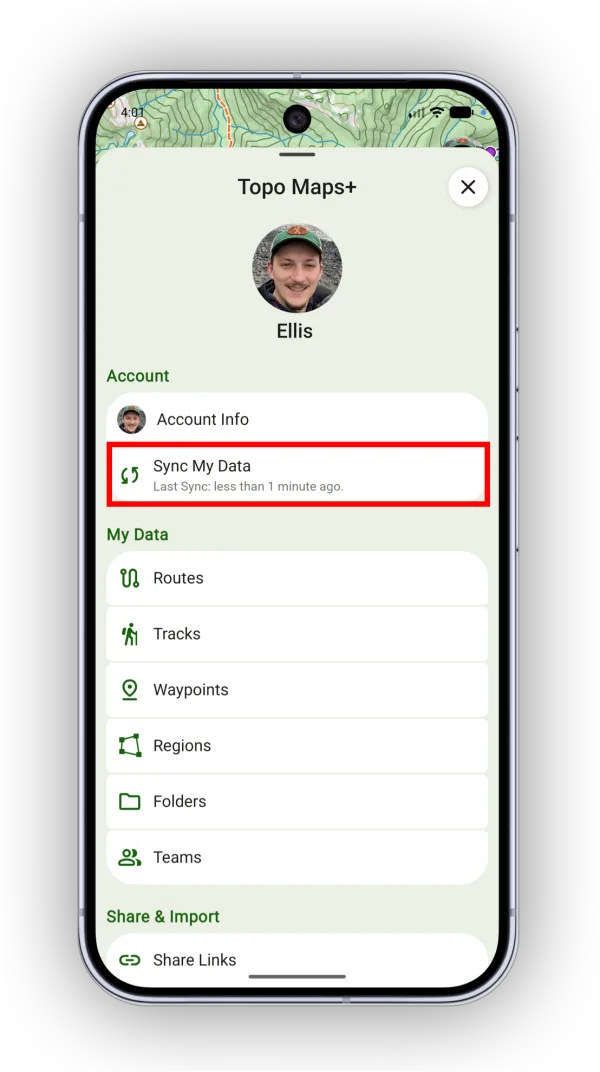
If you create data on one device and don't see it on your others, sync the device you created it on first. That pushes the data up to the cloud. Then sync your other devices to download it.
How to sync automatically
-
Tap the account button in the top-right corner.
-
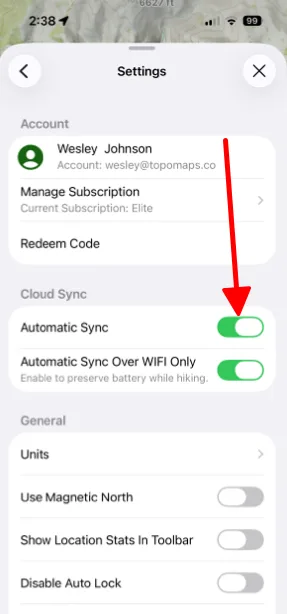
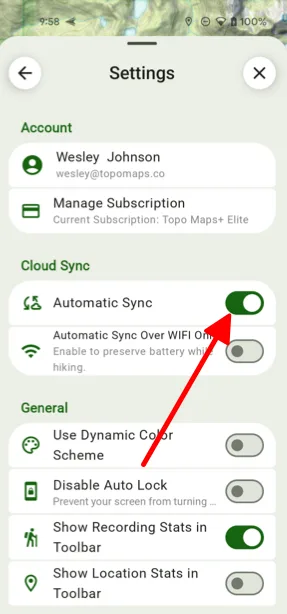
Scroll down and tap Settings.
-
Under Cloud Sync, turn on Automatic Sync.
Updated October 7, 2026
More in Account & Subscription
Still need help?
We’re a small team and we read every message. Email support@topomaps.co and tell us which device you’re on.