
Managing Your Subscription
You can manage your Topo Maps+ subscription from your account in the app. Where it takes you depends on where you subscribed.
How to manage your subscription
-
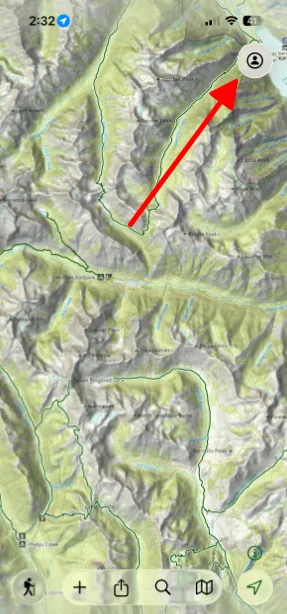
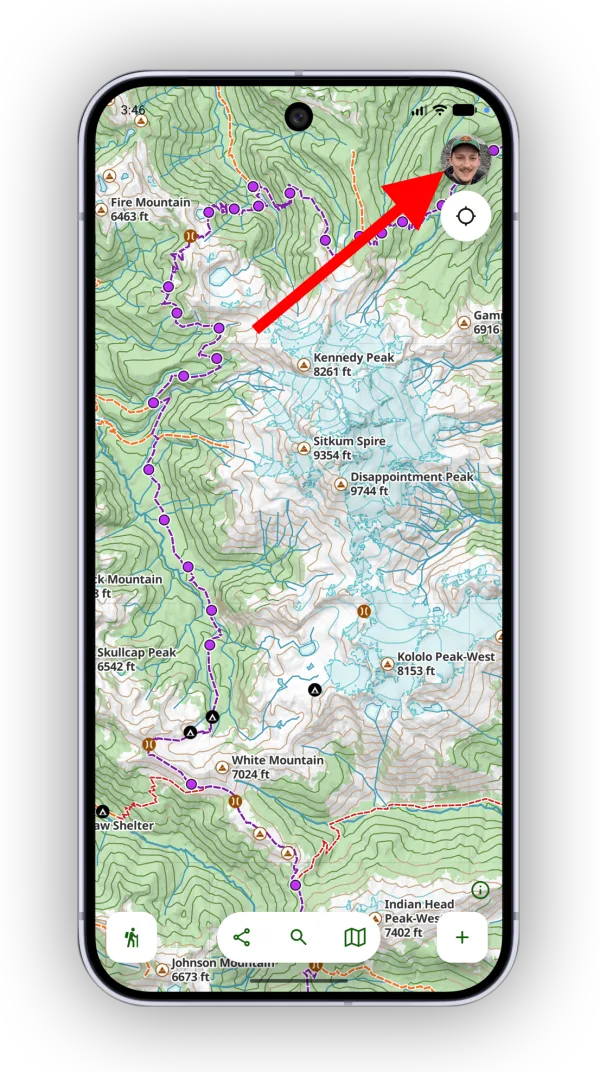
Tap the account button in the top-right corner of the app.
-
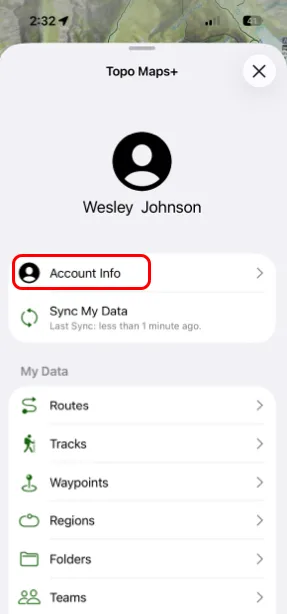
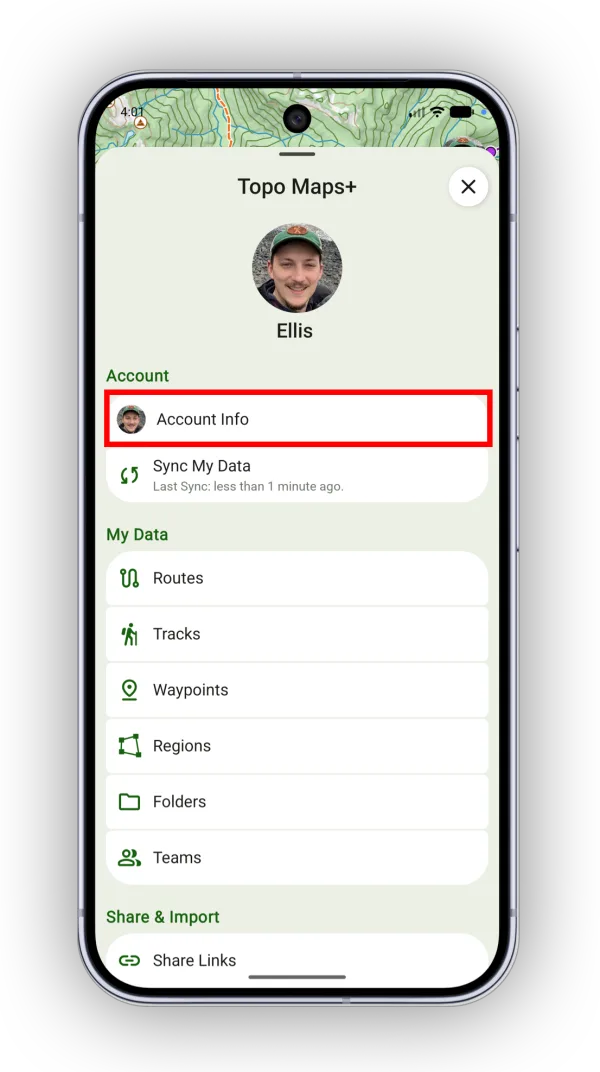
Tap Account Info.
-
Tap Manage Subscription.
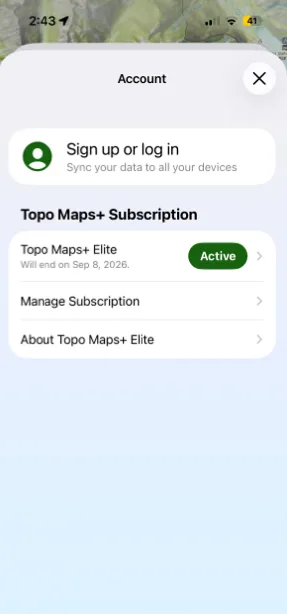
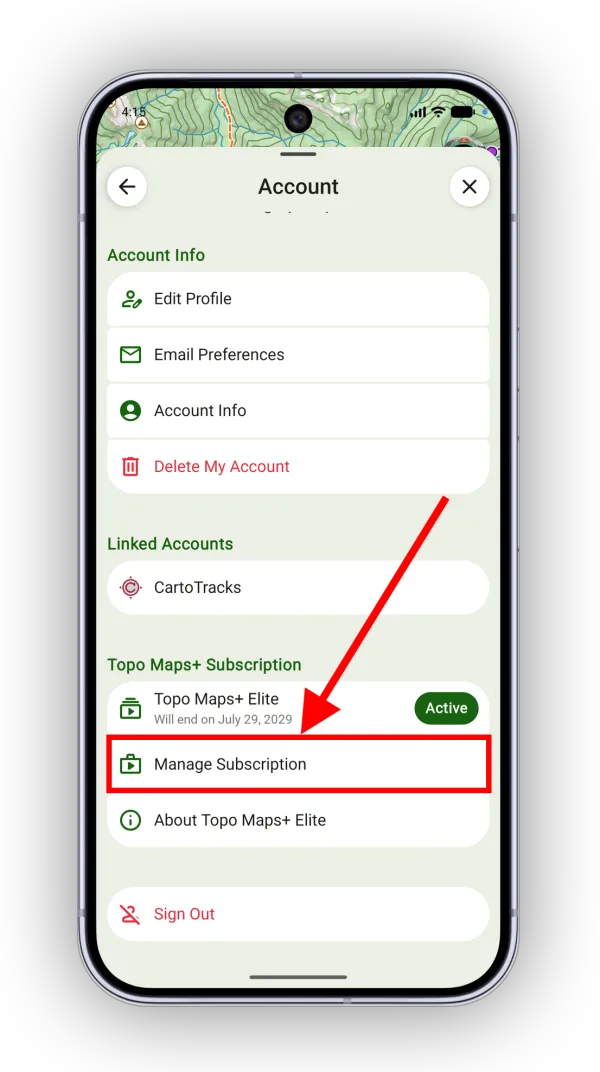
What happens next
- If you subscribed in the app, Topo Maps+ opens Apple'sGoogle Play's subscription page.
- If you subscribed at maps.topomaps.co, the subscription page opens in your browser.
- If you're on a Team subscription, you're asked to contact your team admin. If you are the team admin, you get a link to the website.
Updated October 7, 2026
More in Account & Subscription
Still need help?
We’re a small team and we read every message. Email support@topomaps.co and tell us which device you’re on.