
Creating an Account
A Topo Maps+ account lets you sync your data across all your devices. Your subscription is managed by your app store account, but the data you create in Topo Maps+, like Waypoints, Routes, and Tracks, is stored only on the device where you created it. With an account, it's available on your phone, tablet, computer, and the web app.
How to create an account
-
Tap the account button in the top-right corner of the app.
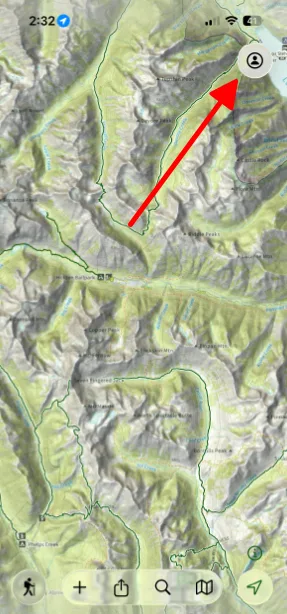
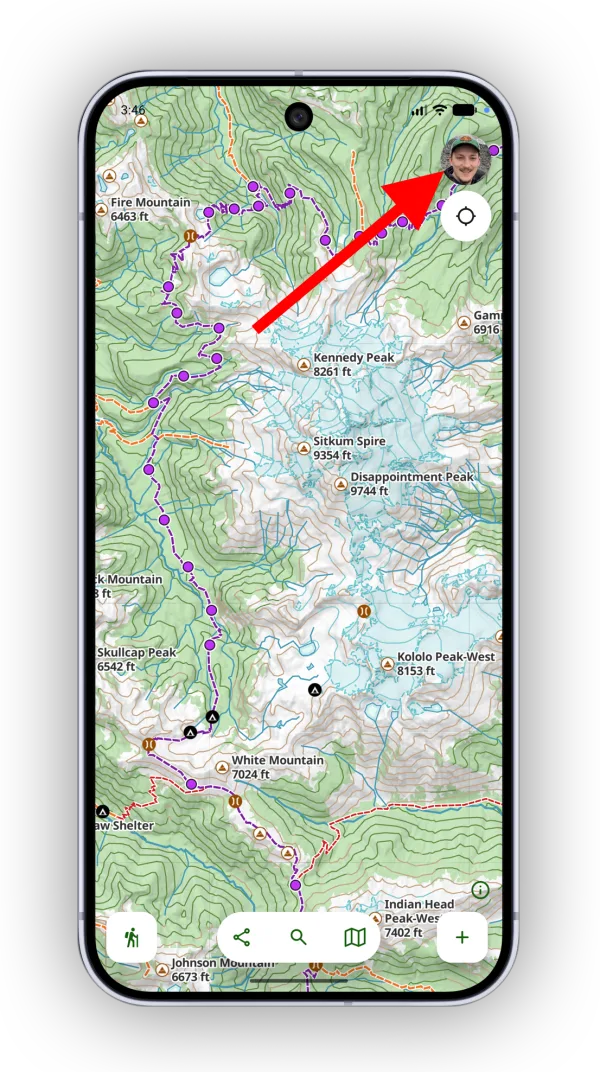
-
Tap Sign up or log in.
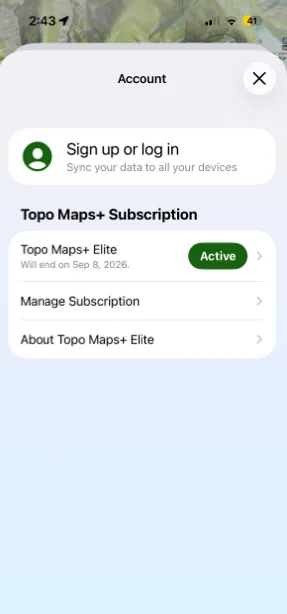
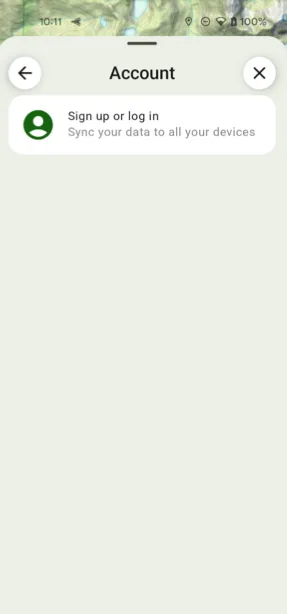
-
To sign up with an email and password, type your email and tap the next button. Topo Maps+ checks whether an account already exists with that email, then asks you to create a new password or enter your existing one.
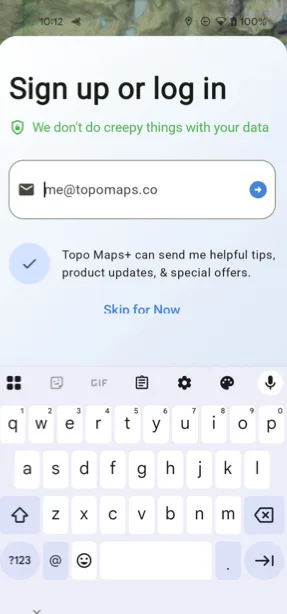
Shown on Android — iPhone looks slightly different. -
To sign in with your Apple account instead, tap Sign in with Apple.
Once you're signed in, sync your account to bring your data to your other devices.
Updated October 7, 2026
More in Account & Subscription
Still need help?
We’re a small team and we read every message. Email support@topomaps.co and tell us which device you’re on.