
Using Topo Maps+ with CarPlay
CarPlay
Want to make sure you're taking the right backroad to the trailhead? With Topo Maps+ on CarPlay, you create the route on your iPhone before you leave, then pick it on your car's screen when you turn off the main road.
How to drive a route with CarPlay
-
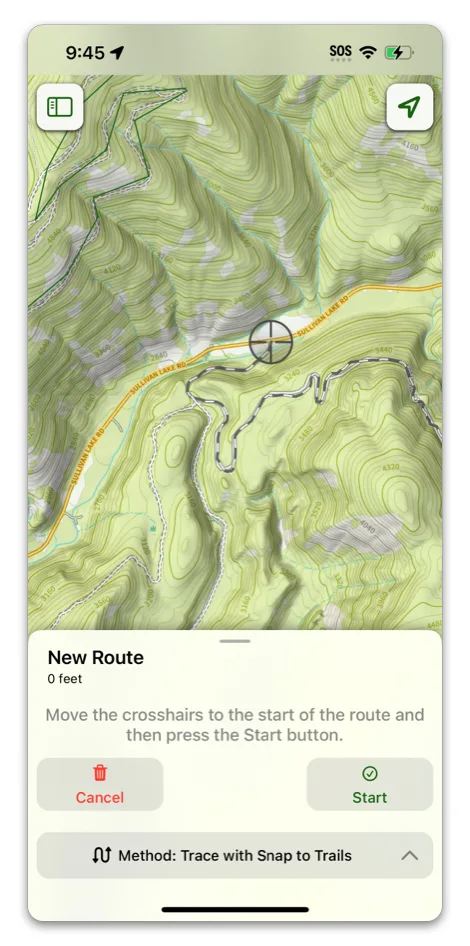
On your iPhone, create a route for your drive.
-
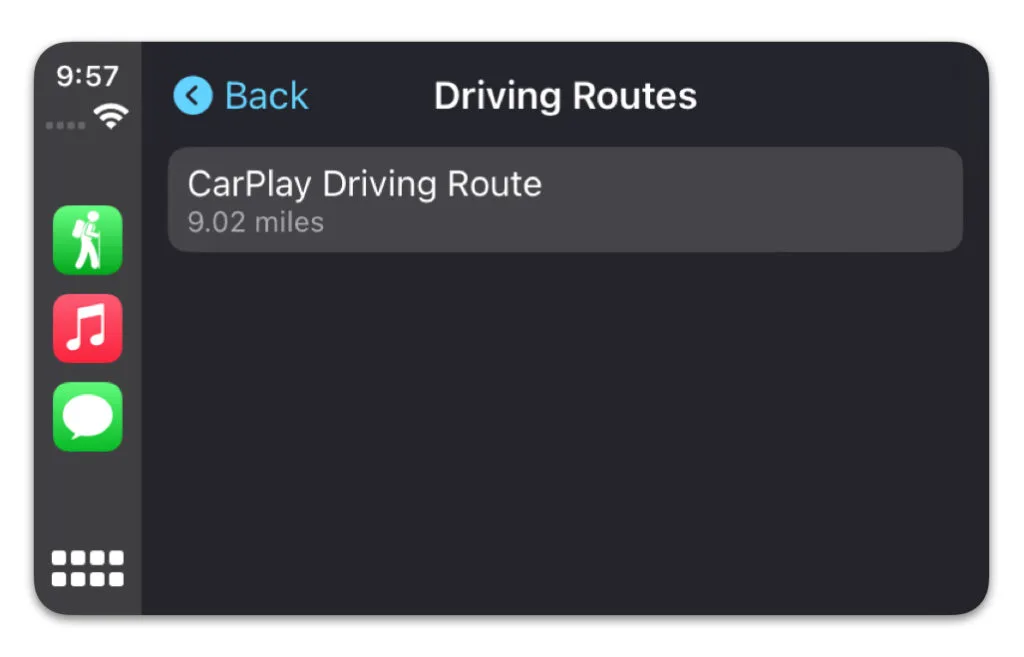
Open Topo Maps+ on your car's CarPlay screen and choose your route from Driving Routes.
-
Follow the route on the map. Tap End Route when you're done.
Map buttons
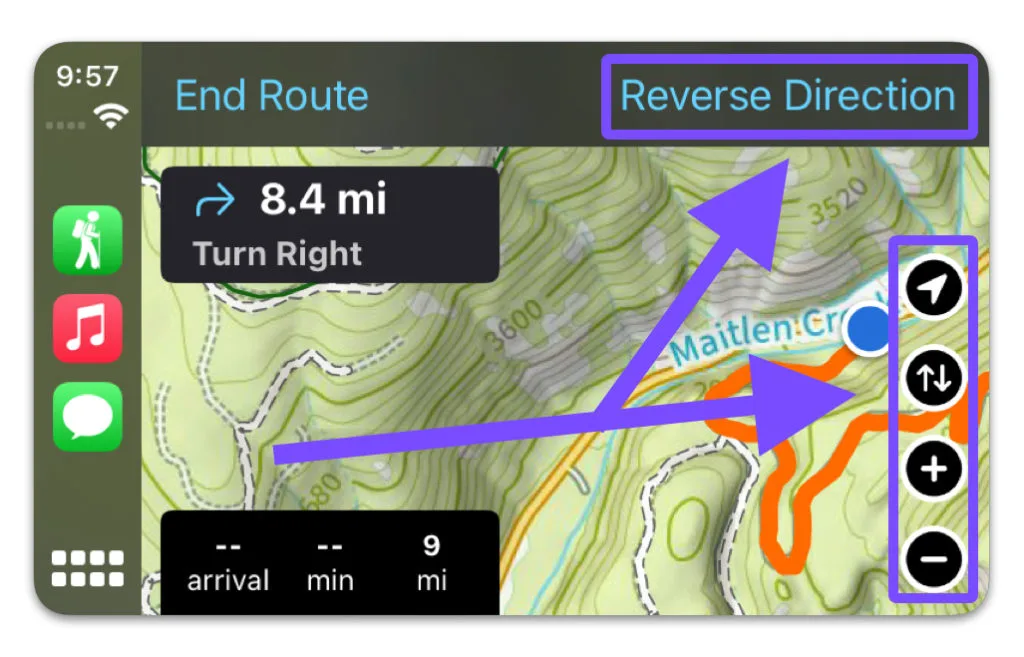
- Reverse Direction flips the route for the drive out.
- The buttons on the right side center on your location, move the map around, and zoom in and out.
- Tap the location button twice to lock the map's orientation so it faces forward.
Updated October 7, 2026
More in Getting Started
Still need help?
We’re a small team and we read every message. Email support@topomaps.co and tell us which device you’re on.