
Trail Flyover
iPhone & iPad
This feature isn’t available in the Android app yet.
Trail Flyover lets you experience a trail in 3D before you go. It works with any route, track, or trail on the map.
How to play a flyover
-
Tap a route, track, or trail on the map. In its sheet, find Trail Flyover and tap Play.
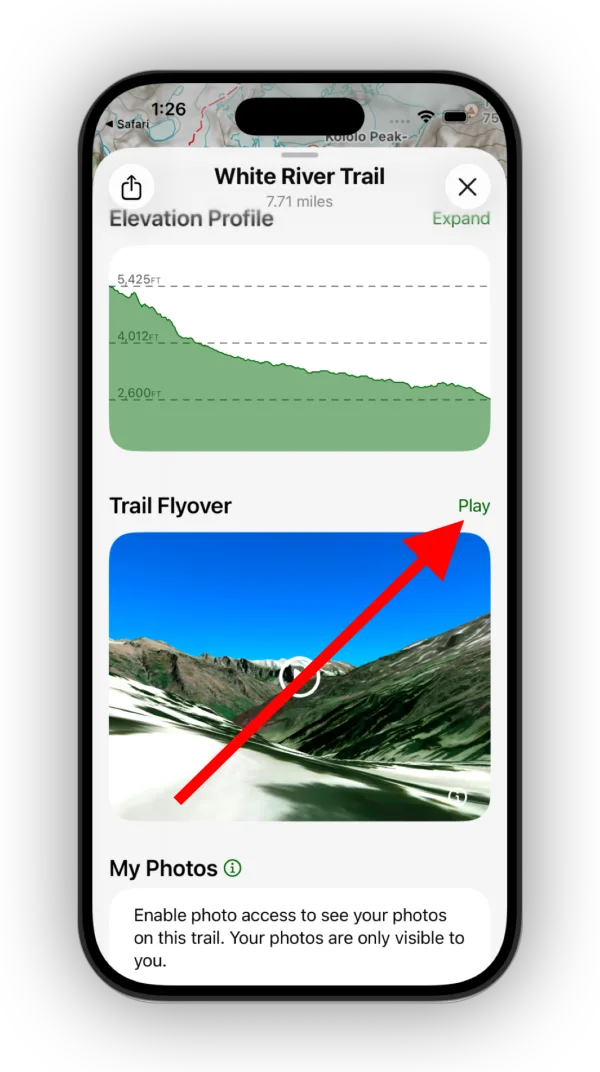
Shown on iPhone — Android looks slightly different. -
Use the slider to adjust the speed. The top of the player shows how far along the trail you are.
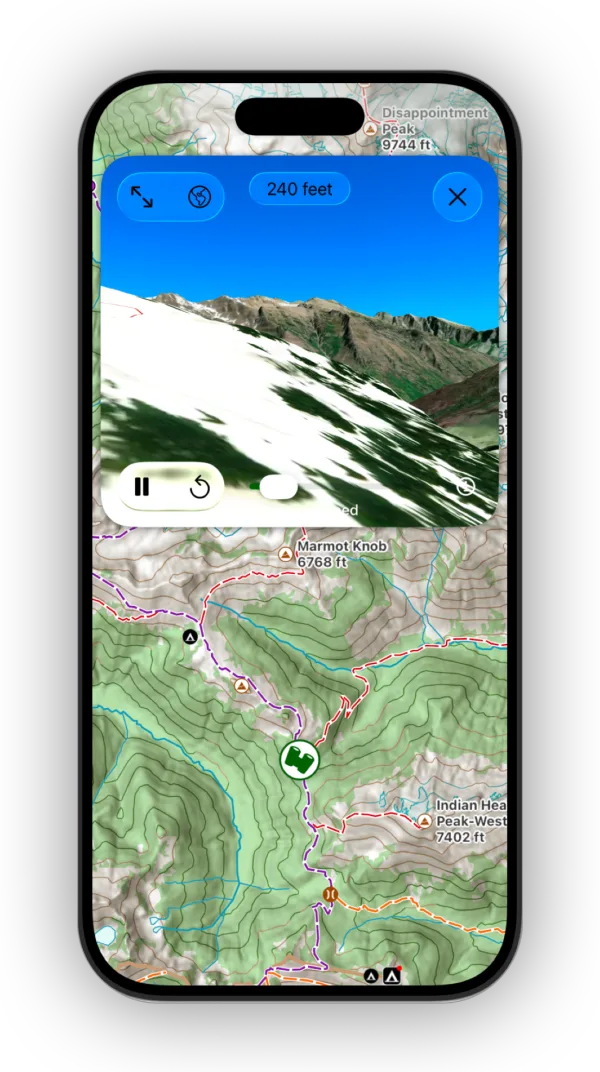
Shown on iPhone — Android looks slightly different. -
Tap the full-screen button in the top-left corner to watch full screen.
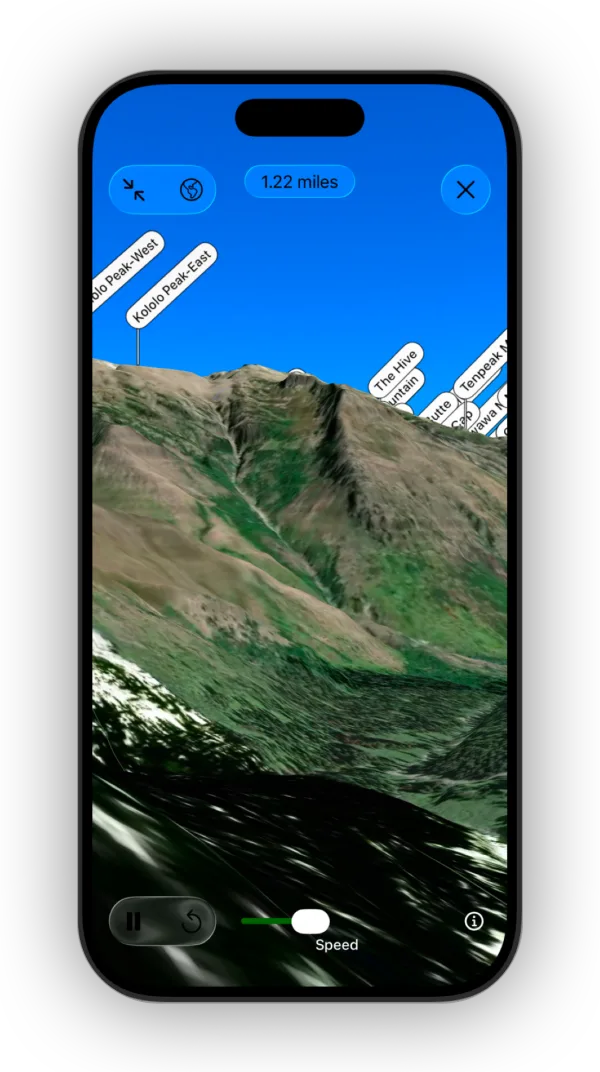
Shown on iPhone — Android looks slightly different.
Updated October 7, 2026
More in Planning Tools
Still need help?
We’re a small team and we read every message. Email support@topomaps.co and tell us which device you’re on.