
Searching for Places
Search in Topo Maps+ finds place names, coordinates, and your own data such as routes, waypoints, and recorded tracks.
How to search
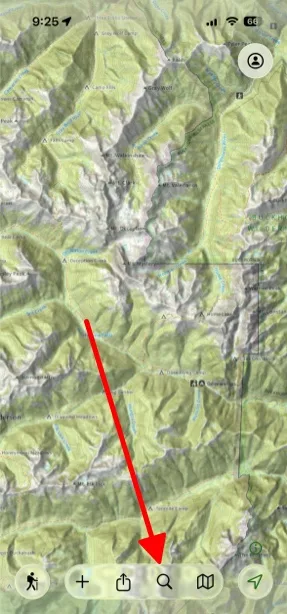
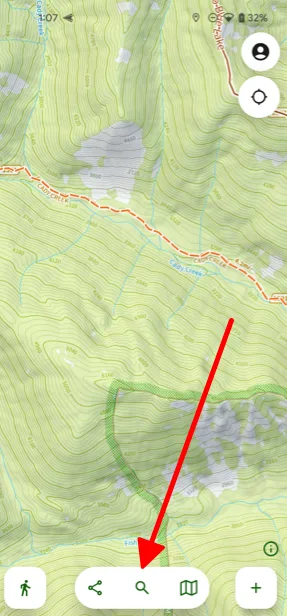
Tap the Search button in the toolbar at the bottom of the screen, then type what you're looking for.
What search looks through
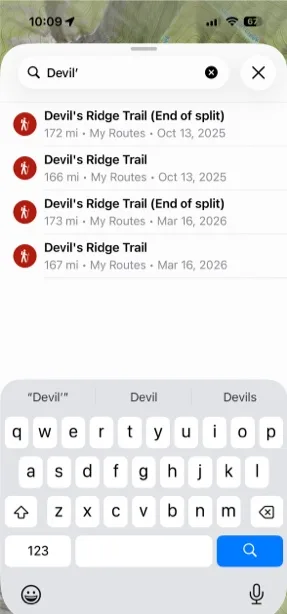
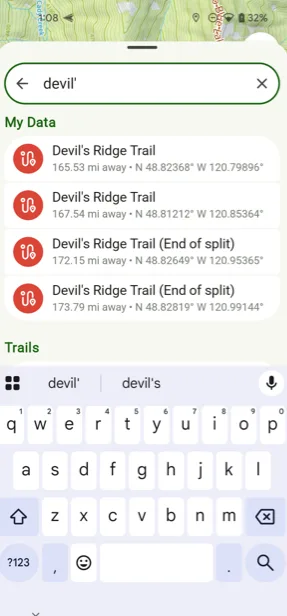
Your own data
Search finds the routes, tracks, waypoints, and other items you've created.
Places and points of interest
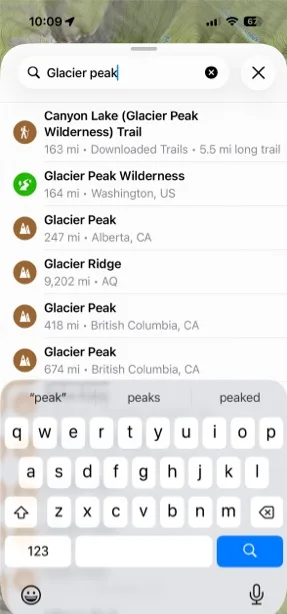
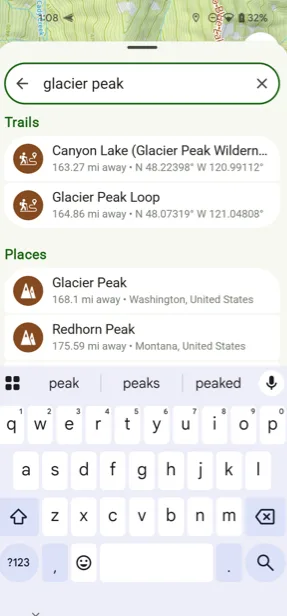
Search also finds places, trails, and points of interest. Topo Maps+ combines several open-source search engines that prioritize different things, so the exact place you typed isn't always the first result. Related results that contain the name, like Glacier Peak Wilderness when you search for Glacier Peak, usually show up too.
Search for coordinates
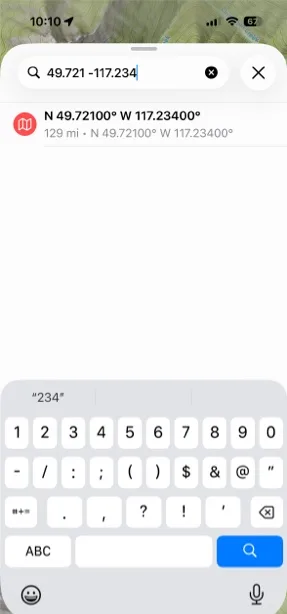
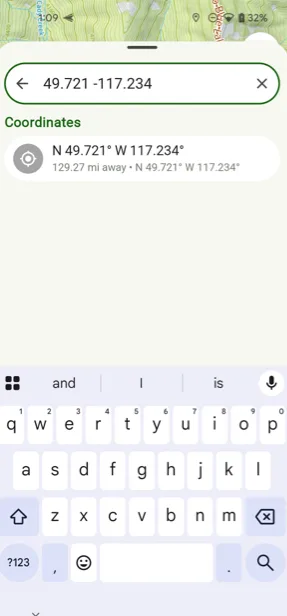
As you type coordinates, a matching result appears just below the search bar. Tap it to go to that spot on the map.
You can enter coordinates in any of these formats:
| Format | Example |
|---|---|
| Decimal degrees | 49.721 -117.234 |
| Decimal degrees with direction | N49.721 W117.234 |
| Degrees, decimal minutes | 49 43.2600′ -117 14.04′ |
| Degrees, decimal minutes with direction | N 49 43.2600′ W 117 14.0400′ |
| Degrees, minutes, seconds | N49 43′ 15.60″ W 117 14′ 2.40″ |
| Degrees, minutes, seconds (no symbols) | N49 43 15.60 W 117 14 2.40 |
| Degrees, minutes, seconds (signed) | 49 43′ 15.60″ -117 14′ 2.40″ |
| MGRS | 11UMQ 67074 51343 |
| UTM | 11U 483133mE 5507637mN |
| UTM (zone number only) | 11 483133mE 5507637mN |
| UTM 5 by 5 | 83133 07637 or 83133mE 07637mN |
UTM 5 by 5
For UTM you can enter just the last five digits of the easting and northing. Topo Maps+ fills in the leading digits from where the map is centered. For example, if you enter 83133 07637 while the map is centered over 11U 480000mE 5500000mN, Topo Maps+ goes to 11U 483133mE 5507637mN.
Updated October 7, 2026
More in Planning Tools
Still need help?
We’re a small team and we read every message. Email support@topomaps.co and tell us which device you’re on.