
Installing the Apple Watch App
Apple Watch
The Topo Maps+ Watch app comes with the iPhone app. If it isn't on your Apple Watch yet, turn it on from your iPhone.
How to install the Watch app
-
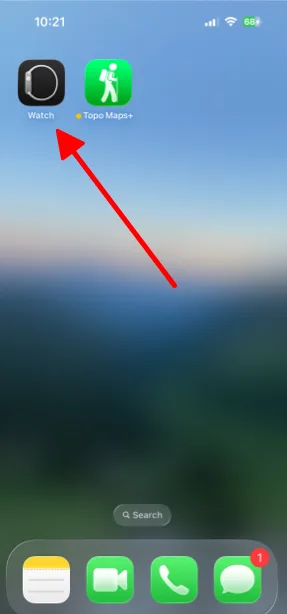
On your iPhone, open the Watch app.
-
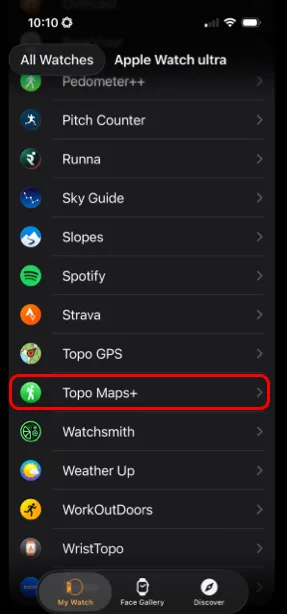
Scroll down to the list of apps on your watch and tap Topo Maps+.
-
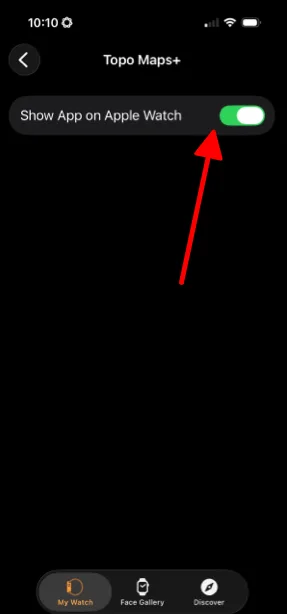
Make sure Show App on Apple Watch is turned on.
Updated October 7, 2026
More in Apple Watch
Still need help?
We’re a small team and we read every message. Email support@topomaps.co and tell us which device you’re on.