
Location Data & Compass
On the trail, the Hike menu is a quick way to check your coordinates and elevation and to use the compass.
How to view your location data
-
Tap the Hike button.
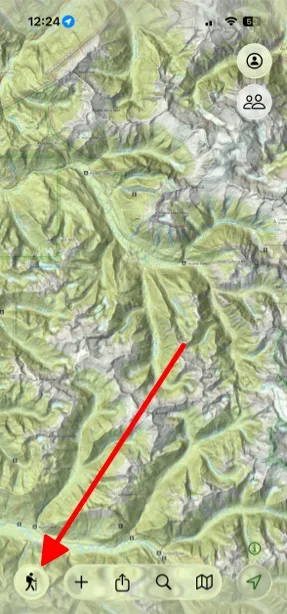
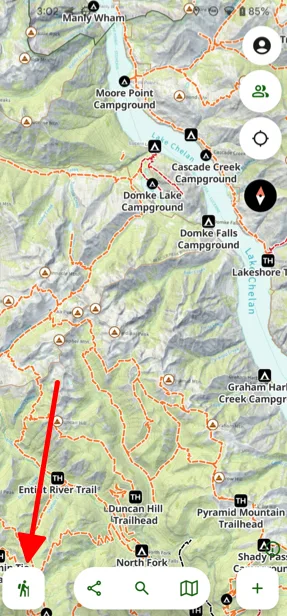
-
Scroll down to see your location data and the compass.
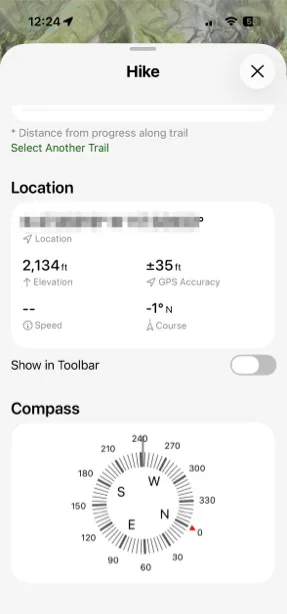
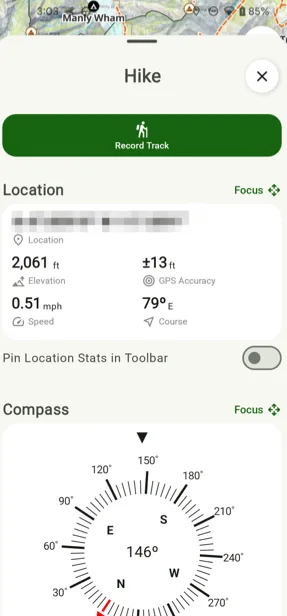
-
To keep your location data on the main map screen, turn on Show in ToolbarPin Location Stats in Toolbar.
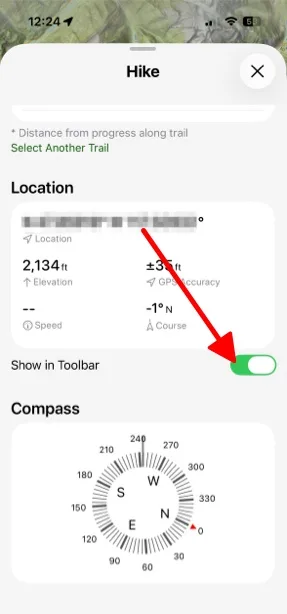
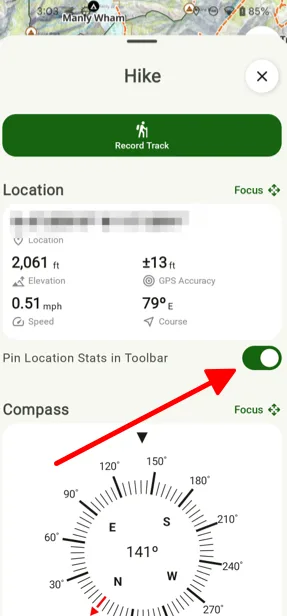
-
Your location data now shows in the toolbar on the map.
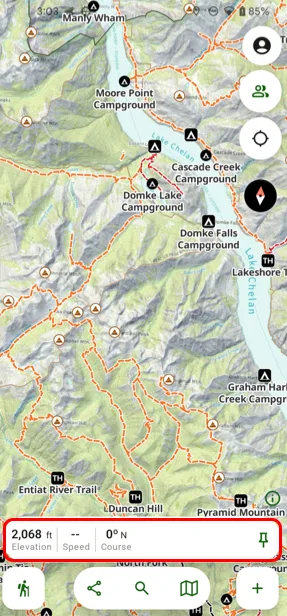
Shown on Android — iPhone looks slightly different.
Updated October 7, 2026
More in On the Trail
Still need help?
We’re a small team and we read every message. Email support@topomaps.co and tell us which device you’re on.