
Focus Mode
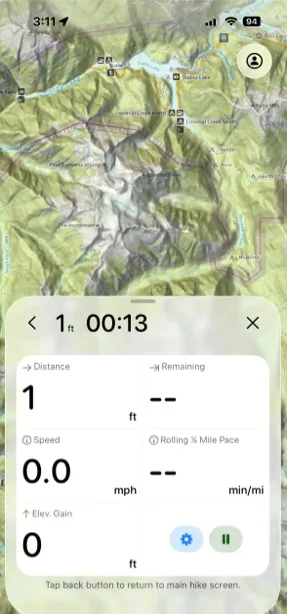
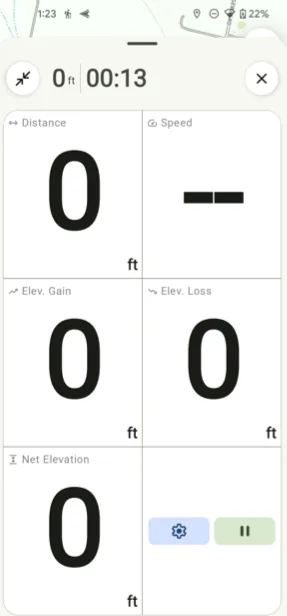
Focus Mode gives you a clean, distraction-free view of your most important stats while you record a track.
How to turn on Focus Mode
-
Tap the Hike button in the bottom-left corner of the screen.
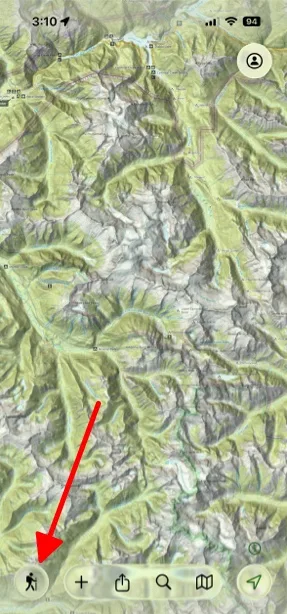
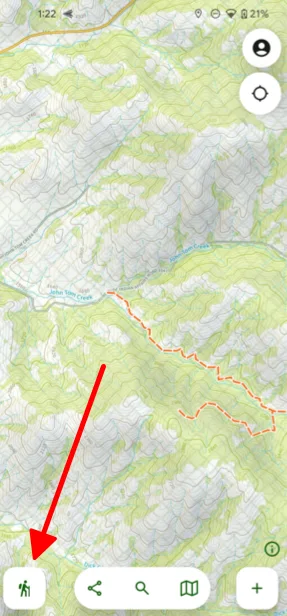
-
Tap RecordRecord Track to start recording.
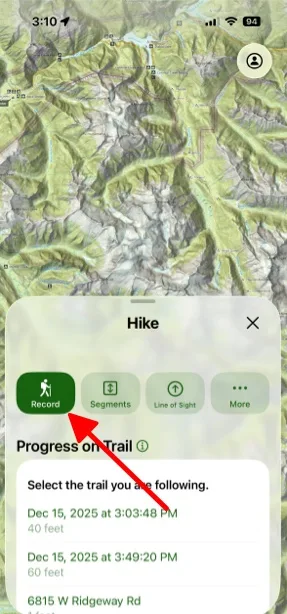
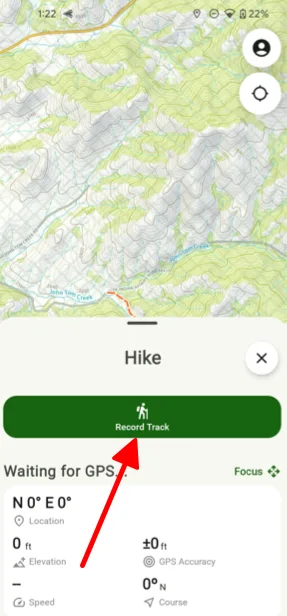
-
Select the activity you’re doing. Tap Activity to choose it.
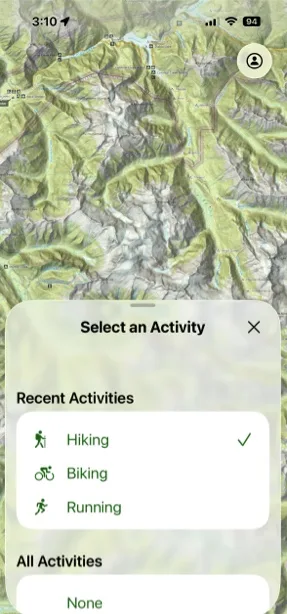
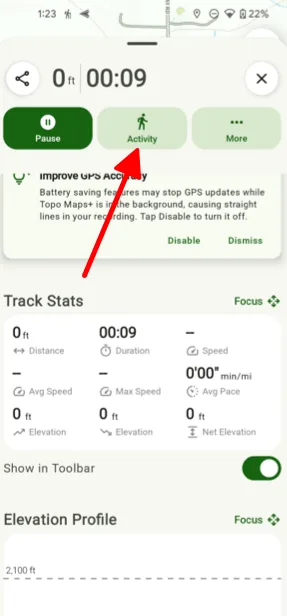
-
Tap Focus.
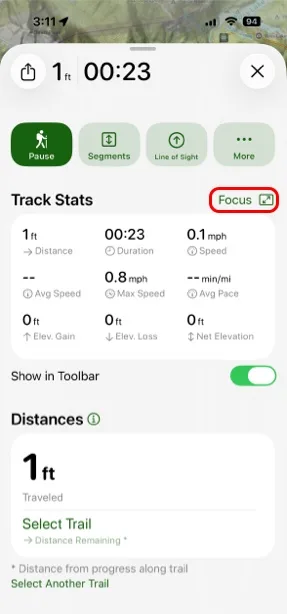
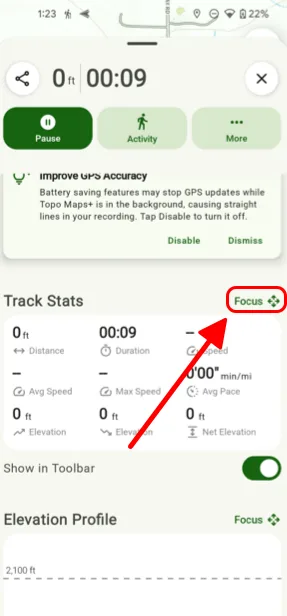
Your key stats now appear large and simplified, so they’re easy to read at a glance.
How to customize the widgets
-
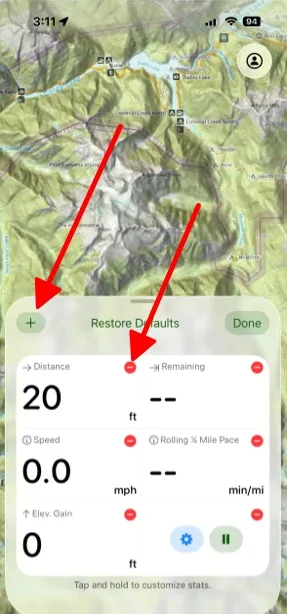
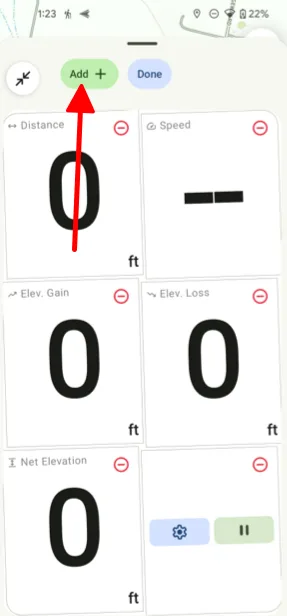
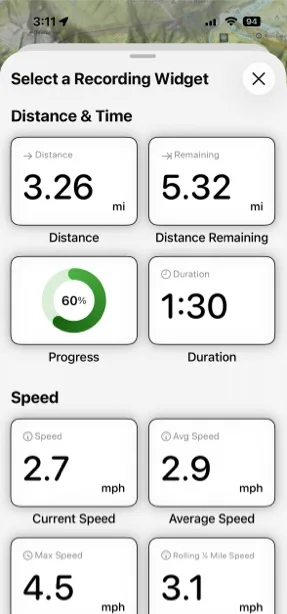
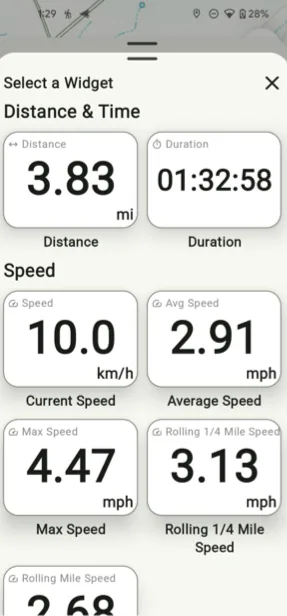
Touch and hold the screen to edit the widgets.
- Tap the red button on a widget to remove it.
- Tap the PlusAdd button in the top-left corner to add a widget.
- Touch and hold a widget, then drag it to rearrange.
-
Choose from stats including:
- Distance
- Duration
- Current speed
- Average speed
- Elevation gain
- Current elevation
- Coordinates
Tips for best results
- Mountain hiking: focus on elevation gain, current elevation, and distance remaining.
- Trail running: prioritize current pace, average pace, and duration.
- Navigation: include coordinates and current elevation alongside distance.
- Casual walks: keep it simple with just distance and duration.
Updated October 7, 2026
More in On the Trail
Still need help?
We’re a small team and we read every message. Email support@topomaps.co and tell us which device you’re on.