
Live Location Sharing
Live Location Sharing lets your team members see where you are, and optionally the track you’ve recorded, so they know where you’ve been. You need a team first. See Creating a team.
How to share your location
-
Tap Share in the toolbar at the bottom of the screen.
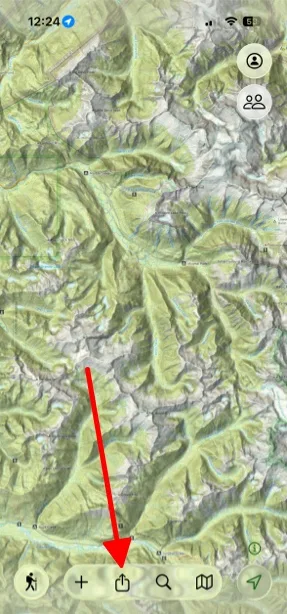
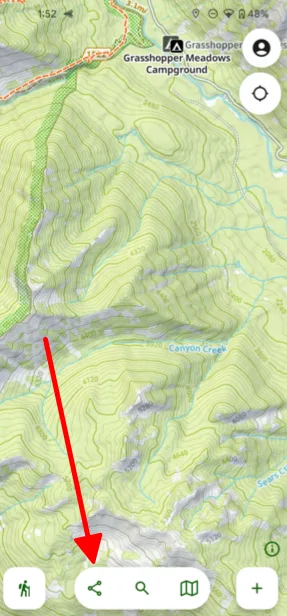
-
Tap Live Location Sharing.
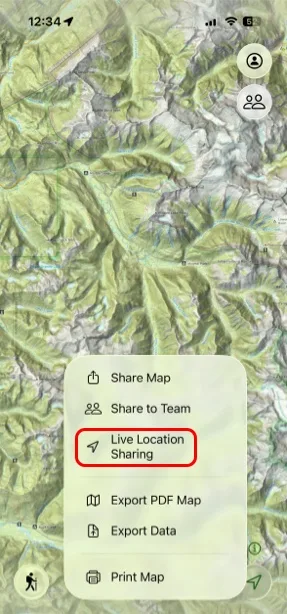
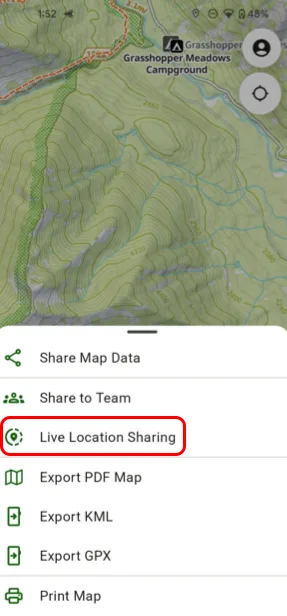
-
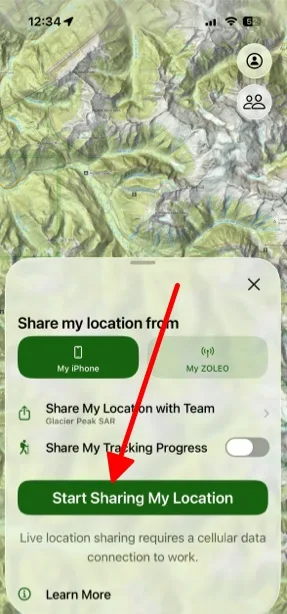
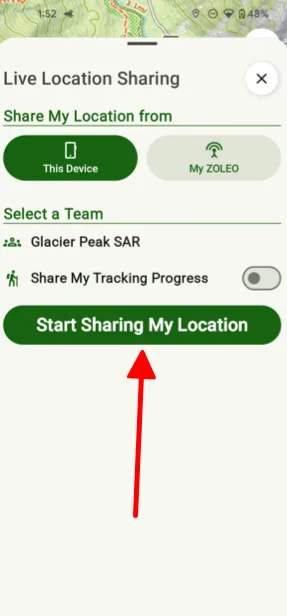
Tap Start Sharing My Location. Turn on Share My Tracking Progress if you also want your team to see the track you record.
How to stop sharing
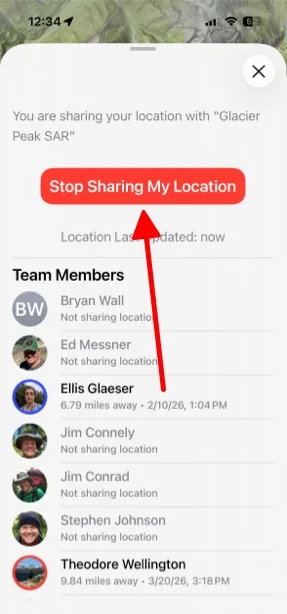
Tap Stop Sharing My Location.
-
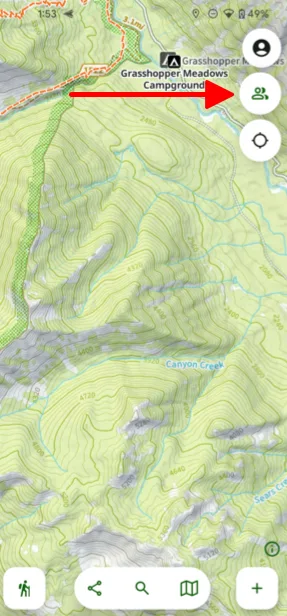
Tap the Team button in the top-right corner of the map.
Shown on Android — iPhone looks slightly different. -
Scroll to the bottom and tap Stop Sharing My Location.
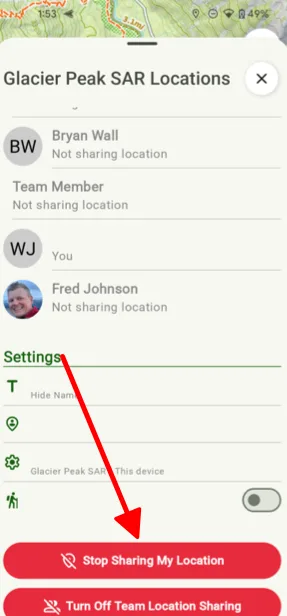
Shown on Android — iPhone looks slightly different.
Updated October 7, 2026
More in On the Trail
Still need help?
We’re a small team and we read every message. Email support@topomaps.co and tell us which device you’re on.