
Hill Shading
Hill shading makes hills and ridges stand out, so the shape of the terrain is easier to read at a glance.
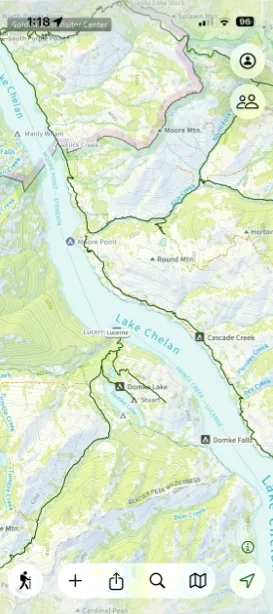
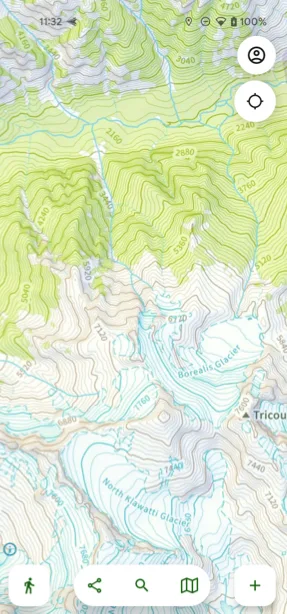
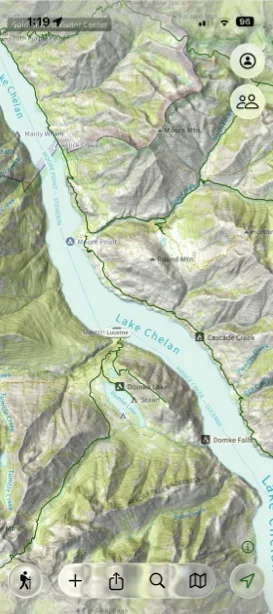
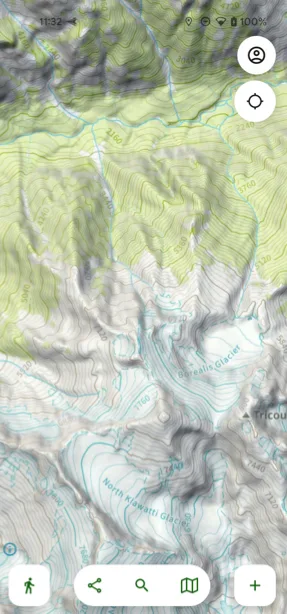
How to turn on hill shading
-
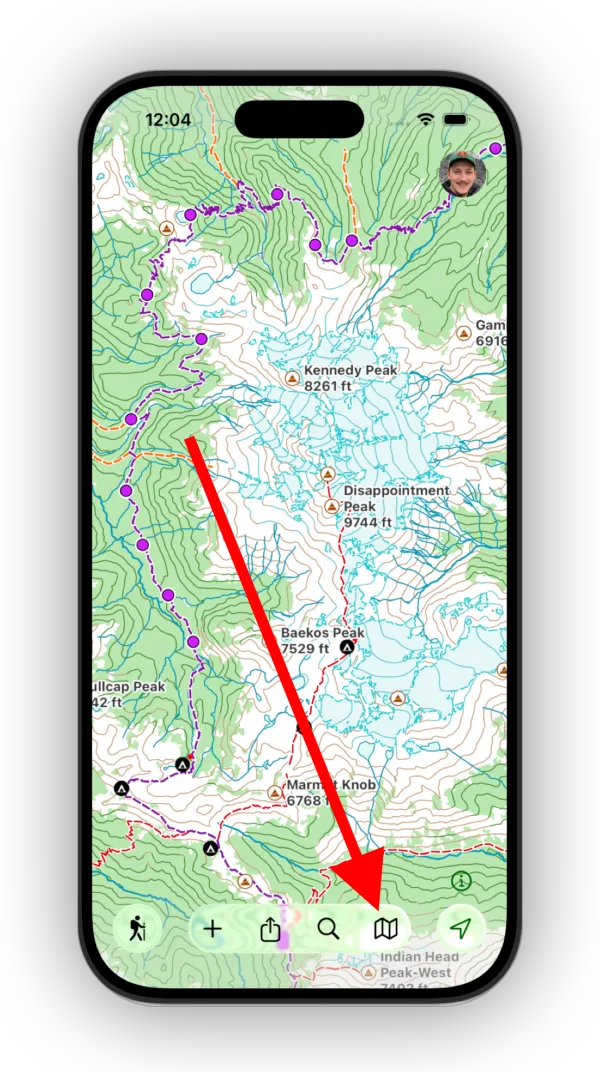
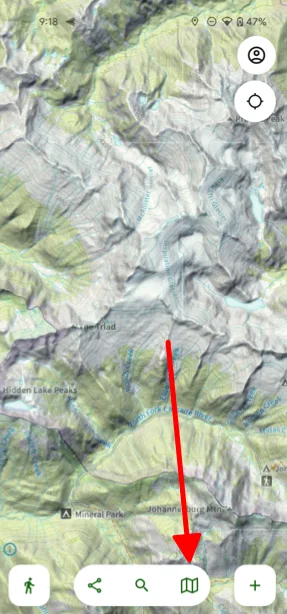
Tap the Maps button in the toolbar.
-
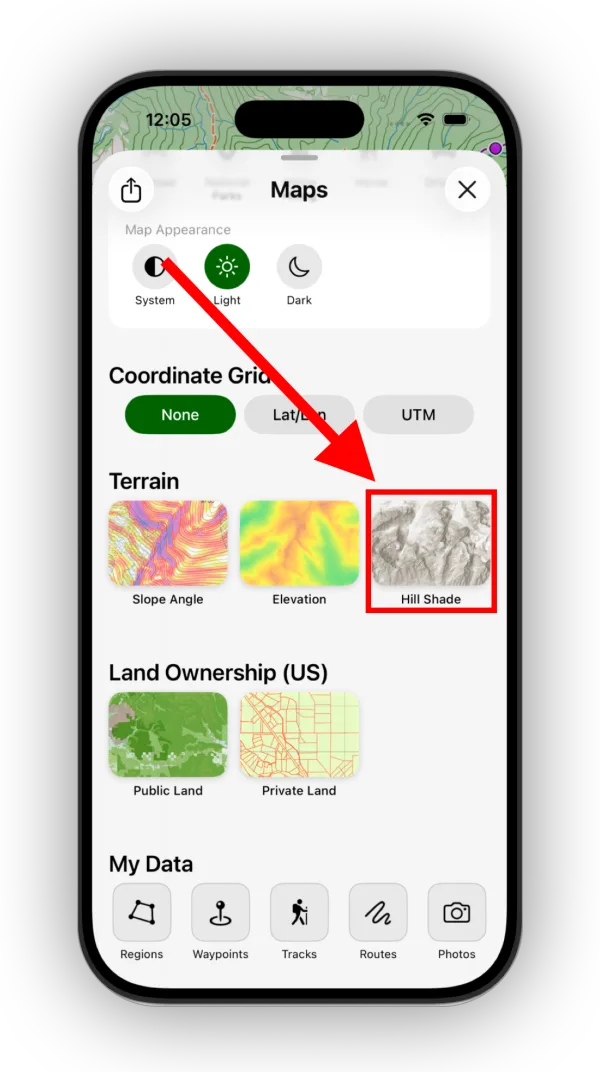
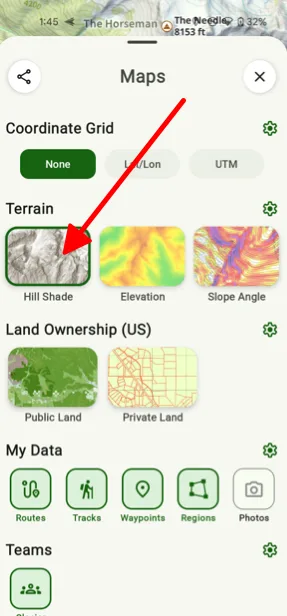
Scroll down to the Terrain section and tap Hill Shade.
Updated October 7, 2026
More in Maps & Overlays
Still need help?
We’re a small team and we read every message. Email support@topomaps.co and tell us which device you’re on.