
Map Legends
Using the web app? Map Legends on the Web App
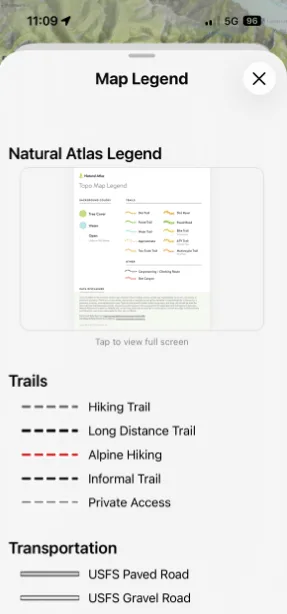
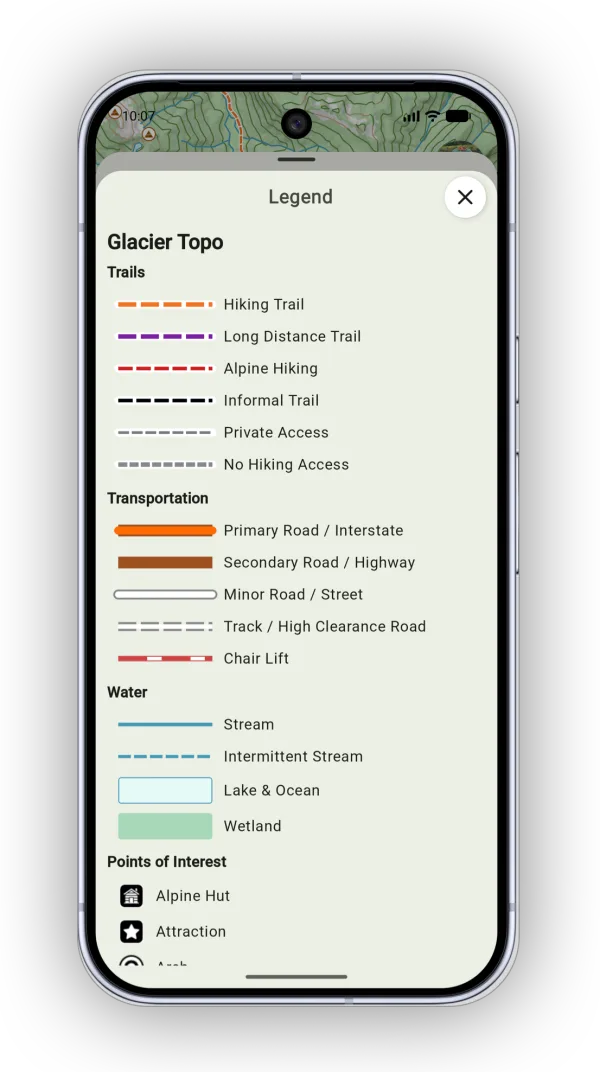
The legend explains the lines, colors, and symbols on the maps and overlays you have turned on.
How to view the legend
-
Tap the Maps button in the toolbar.
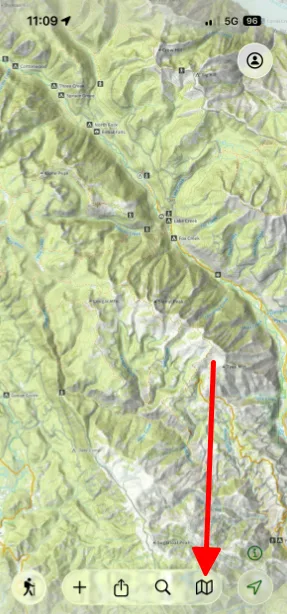
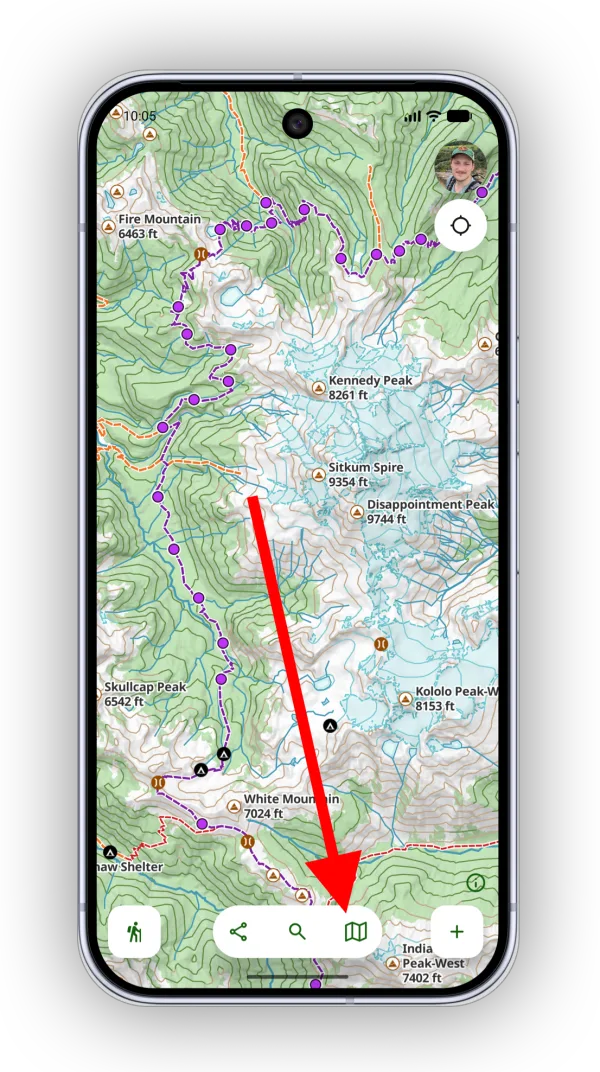
-
Tap Legend.
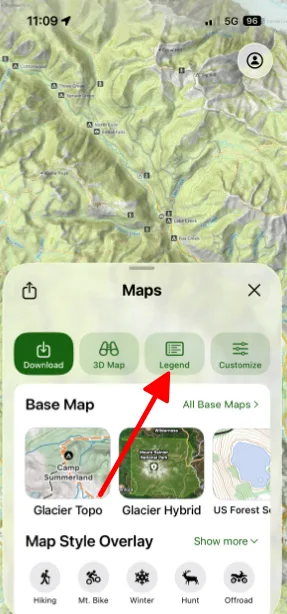
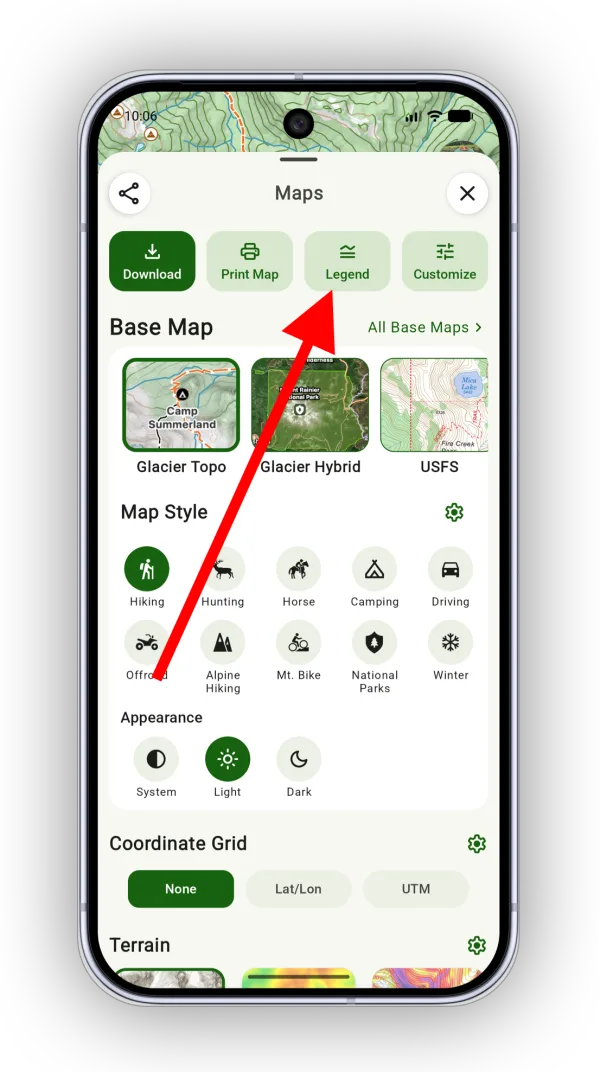
-
The legend items are grouped by the map or overlay they belong to. Scroll to find the one you need.
Updated October 7, 2026
More in Maps & Overlays
Still need help?
We’re a small team and we read every message. Email support@topomaps.co and tell us which device you’re on.