
3D Maps on the Web App
Web app
On your phone? 3D Maps
3D mode shows the terrain in perspective, which makes it easier to read ridges, valleys, and steep ground.
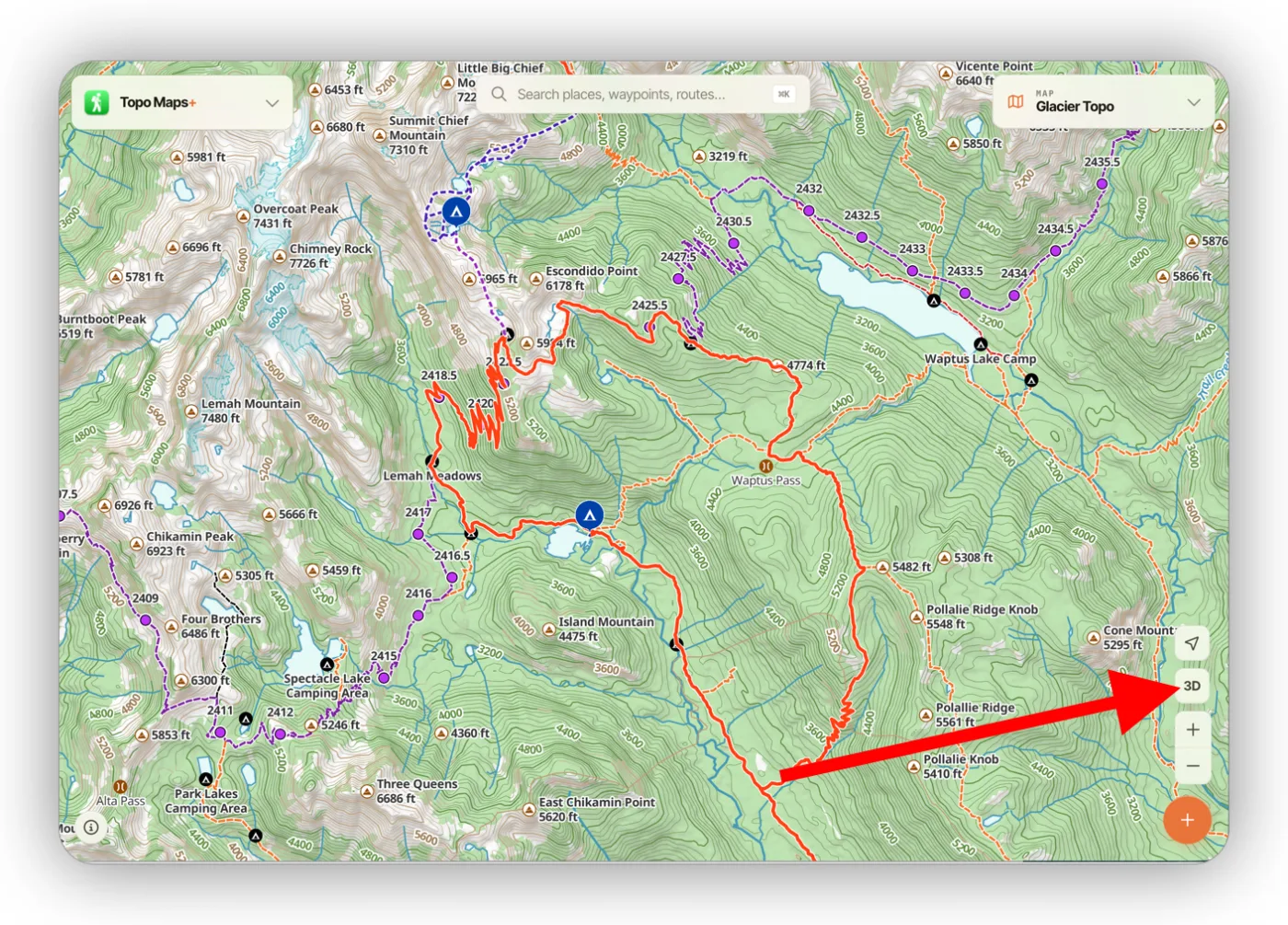
How to turn on 3D
Click the 3D button below the location button in the bottom-right corner.
Using the map in 3D
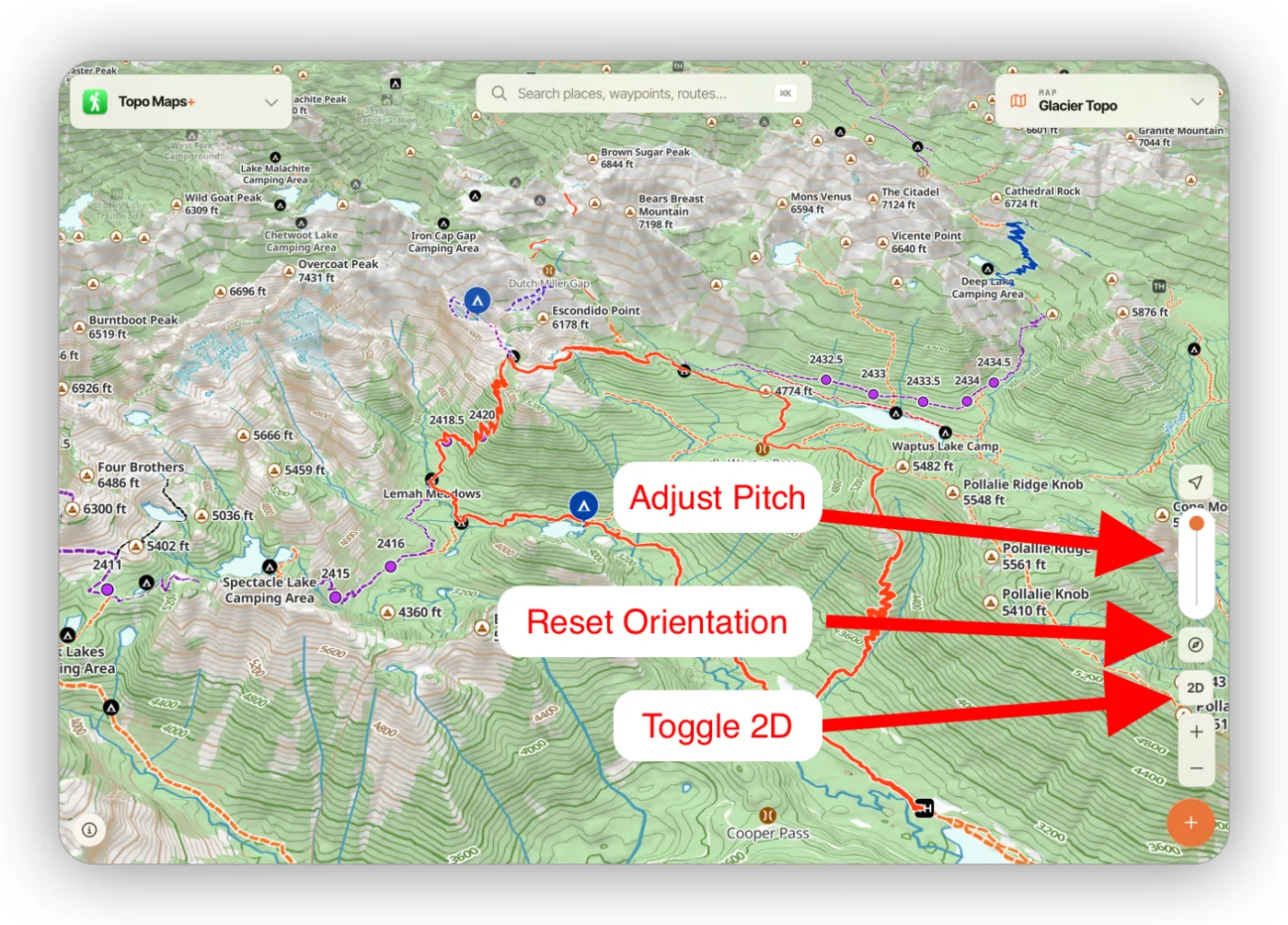
The map works the same in 3D: you can still click trails, points of interest, and routes, right-click for coordinate info, and click and hold for movable crosshairs.
- Hold Ctrl and drag the map to change the pitch and orientation.
- Use the slider to adjust the pitch.
- Click 2D to exit 3D mode.
Updated October 7, 2026
More in Web App
Still need help?
We’re a small team and we read every message. Email support@topomaps.co and tell us which device you’re on.