
Map Dashboard on the Web App
Web app
On your phone? Map Activity Style
The map dashboard is where you change your basemap, manage overlays, and customize the map.
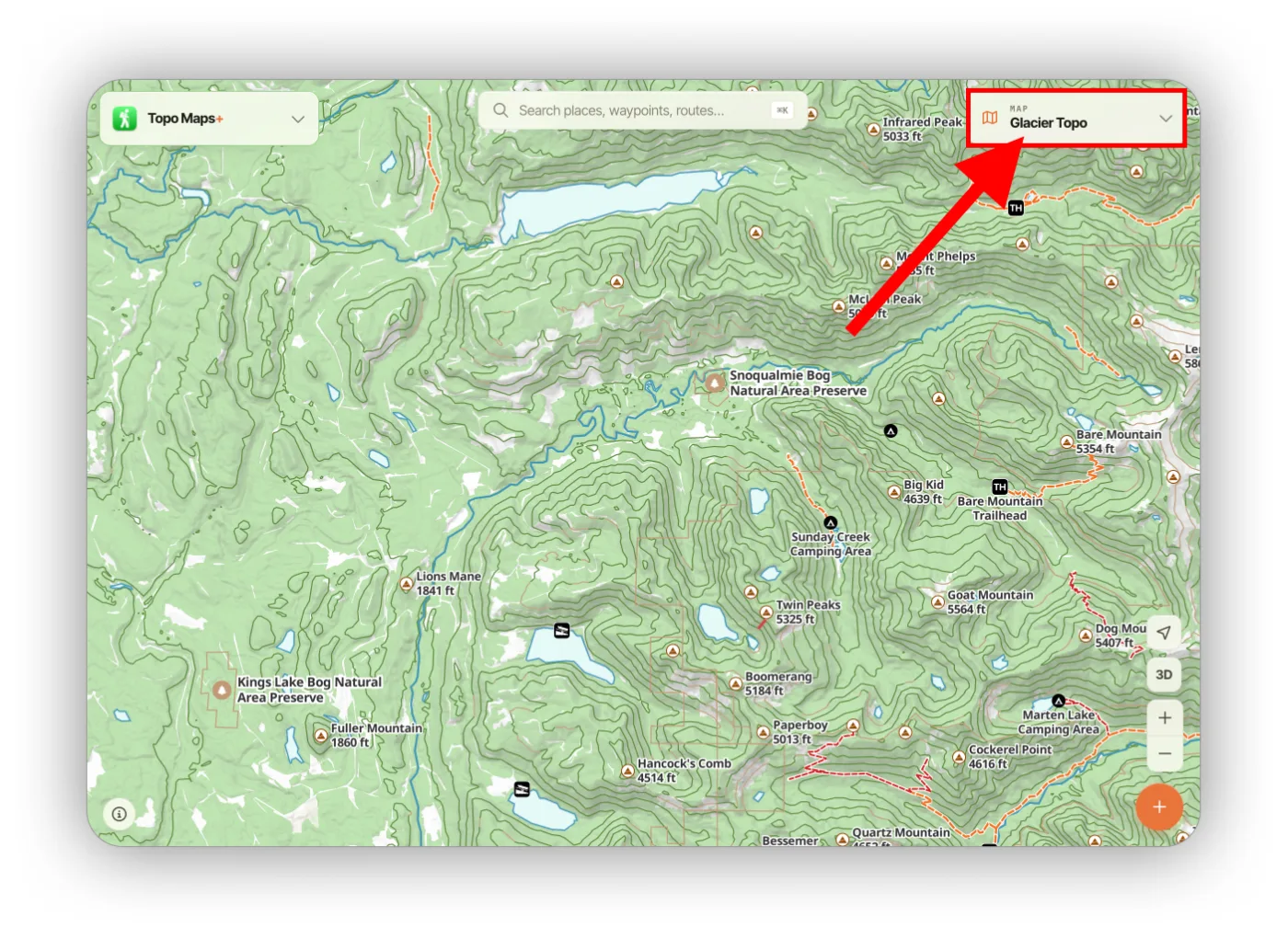
How to open the map dashboard
By default the dashboard is minimized and shows your current basemap in the top-right corner. Click the card to expand it.
Base Map, Map Style, and Map Appearance
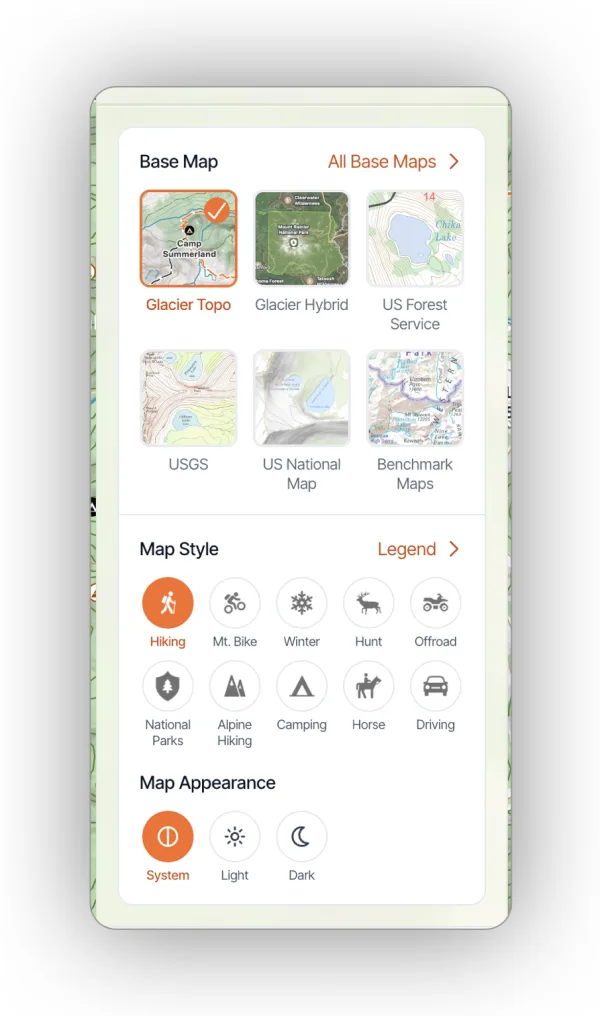
The first section is Base Map. Click a basemap to switch to it, or click All Base Maps to add others to the dashboard.
- Map Style switches which activity the map is styled for, such as Hiking, Mt. Bike, Winter, or Hunt.
- Map Appearance switches between light and dark schemes (Glacier Topo only).
Overlays
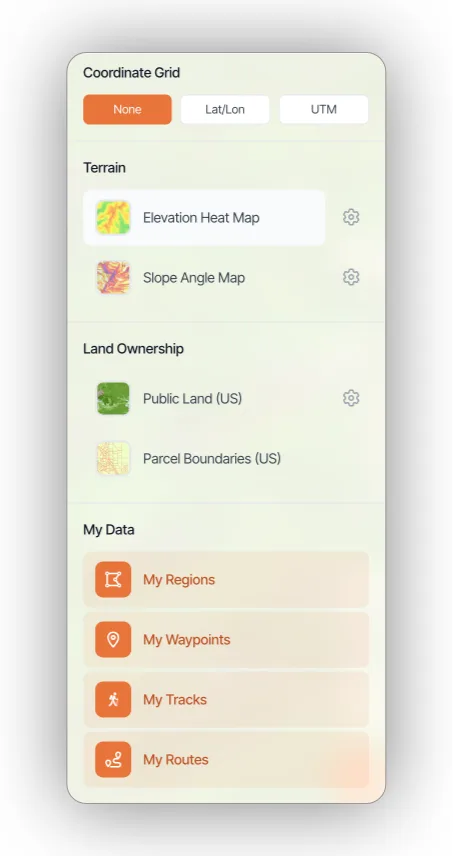
Below the basemaps you'll find overlay options: Coordinate Grid, Terrain, Land Ownership (US only), and My Data.
Your own overlays
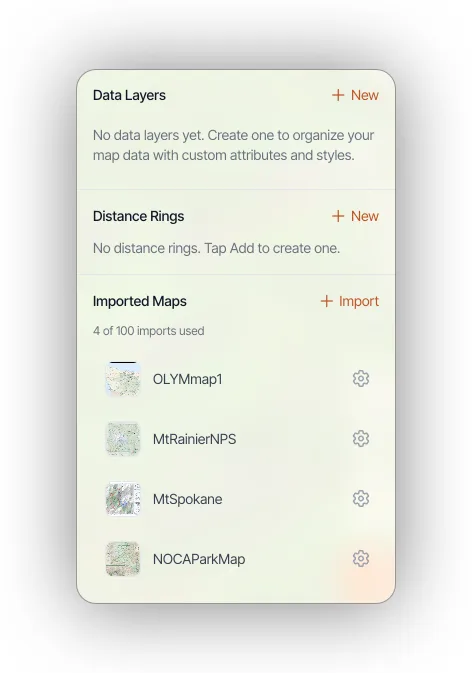
The last section holds overlays you create: Data Layers (Elite only), Distance Rings, and Imported Maps.
Updated October 7, 2026
More in Web App
Still need help?
We’re a small team and we read every message. Email support@topomaps.co and tell us which device you’re on.